




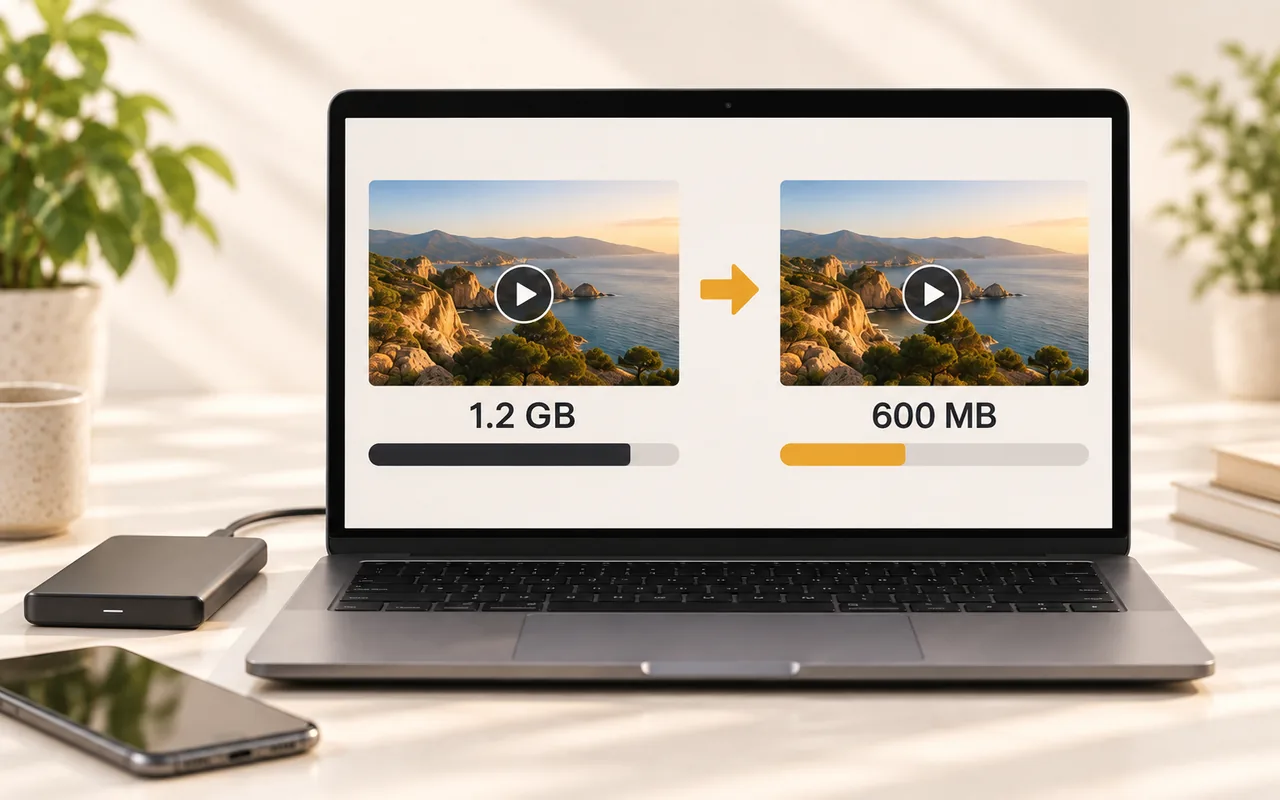
Video Compressor
Compress videos up to 10 GB for free. Set a target size in Basic mode, or fine-tune quality, bitrate and resolution yourself.
Compress videoYour all-in-one online video toolkit. Compress, convert, and edit with ease — high-quality results, no watermark, no sign-up, nothing to install.
Make videos smaller, simplify sharing, and prepare files for your everyday workflows.




All the free online video tools on VideoBee follow the same rules — no watermark, no sign-up.
Compress videos up to 10 GB for free. Set a target size in Basic mode, or fine-tune quality, bitrate and resolution yourself.
Compress video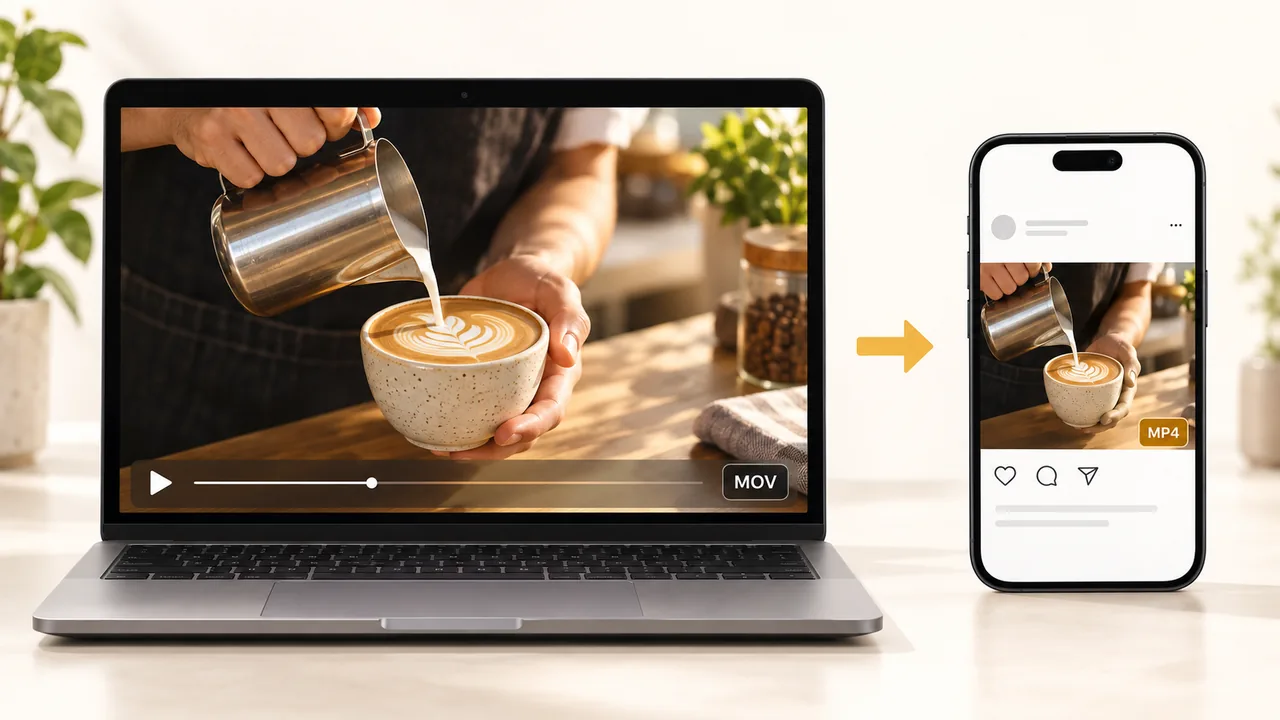
Convert 16 input formats into 19 outputs — 9 video plus 10 audio. Just need the sound? Pull the audio out and drop the video.
Convert video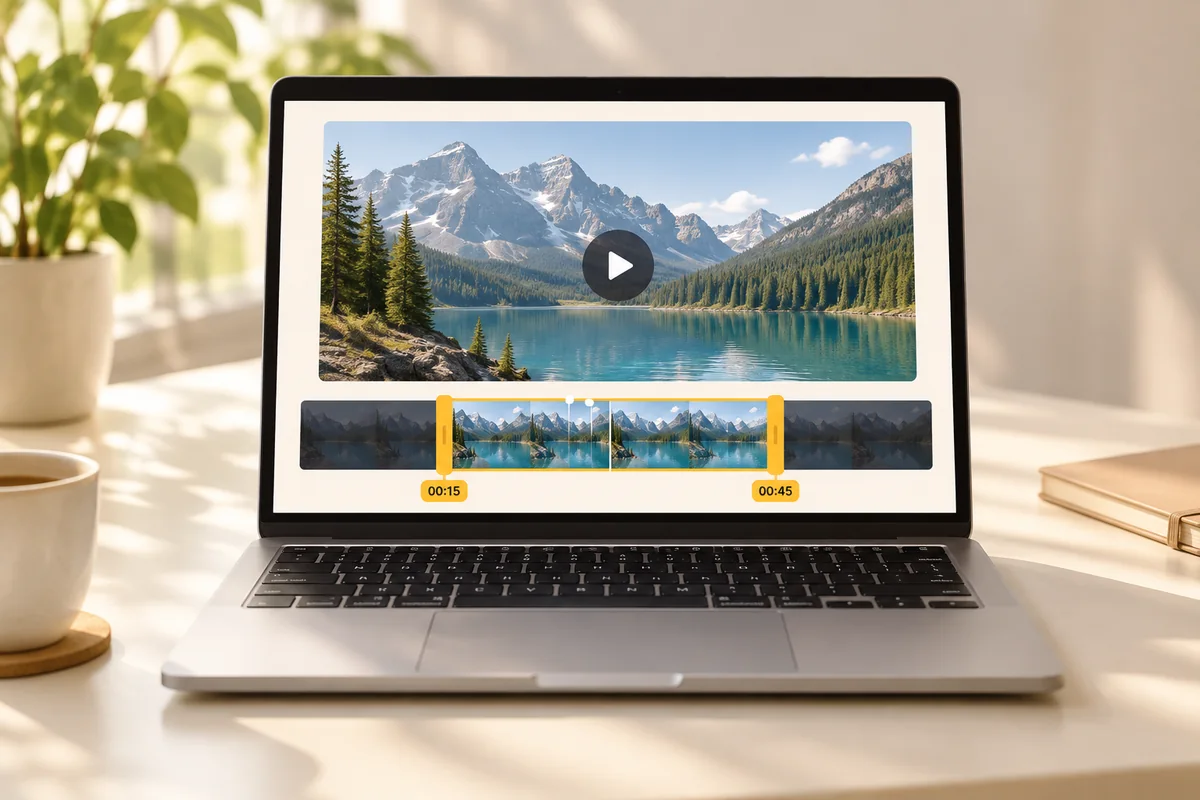
Trim videos up to 5GB online. Keep a clip or remove an unwanted section, then export as MP4, MOV or MKV. Use the timeline or enter exact start and end times.
Cut video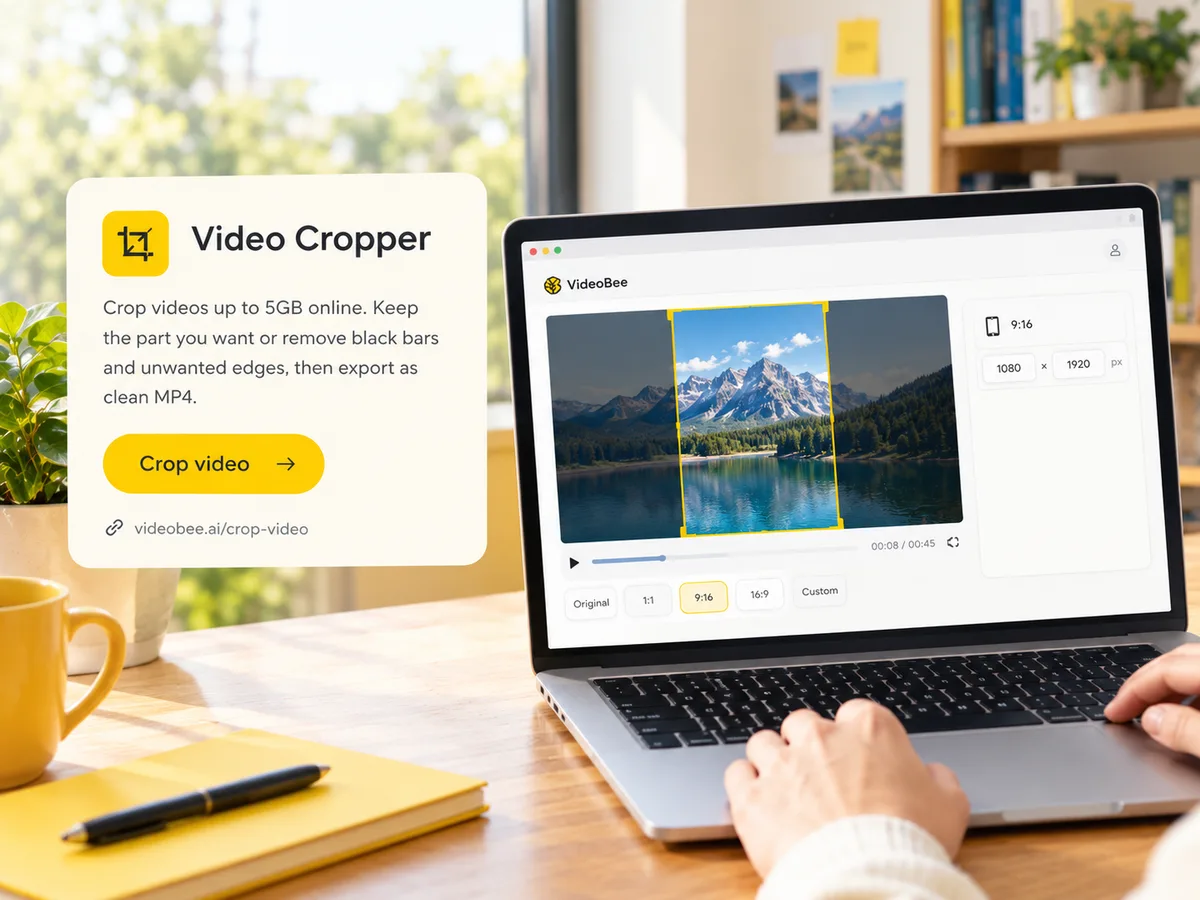
Crop videos up to 5GB online. Keep the part you want or remove black bars and unwanted edges, then export as clean MP4. Use ratio presets like 9:16 and 1:1, or enter exact pixel dimensions.
Crop video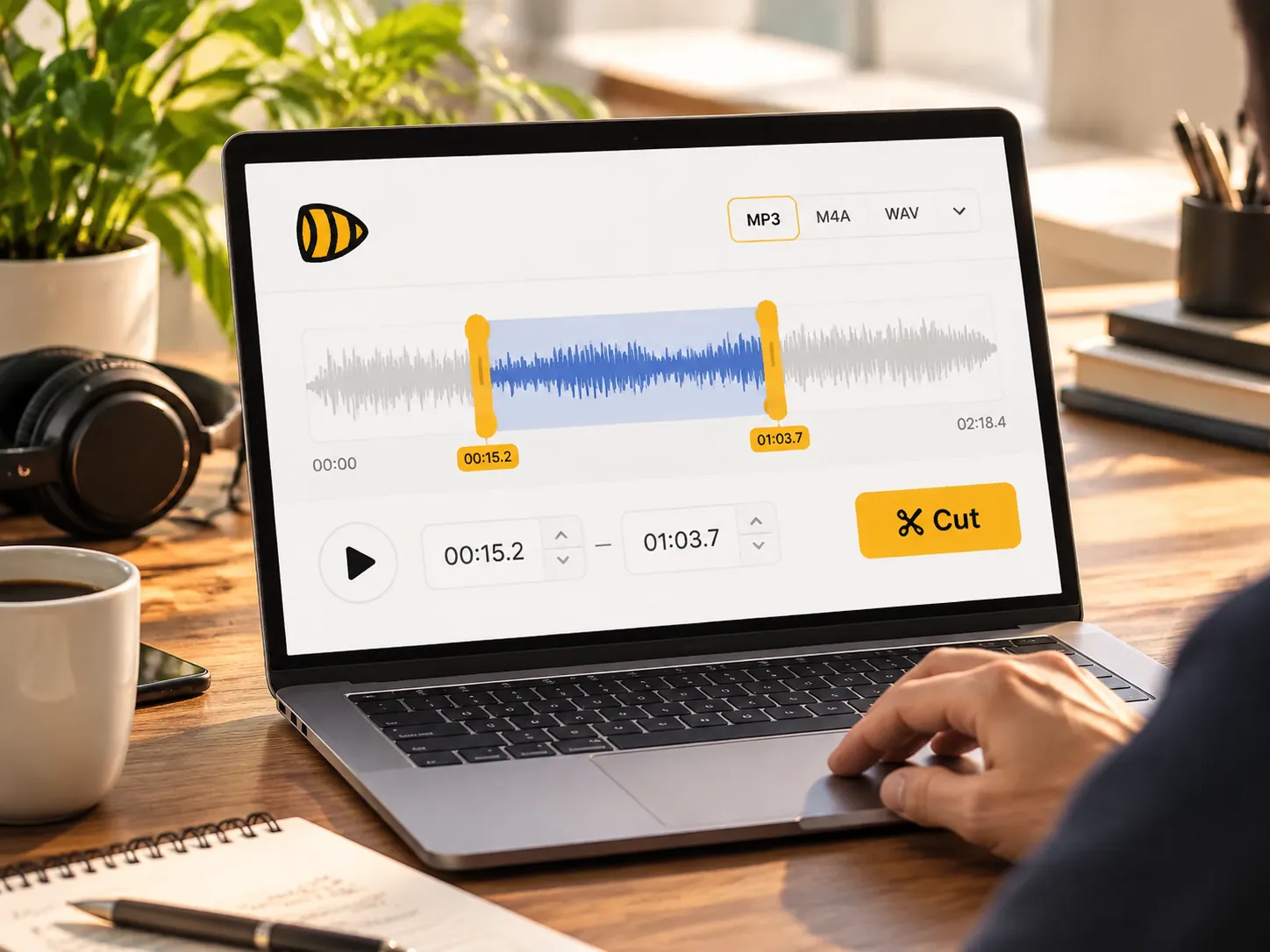
Cut and trim audio files up to 5GB online. Keep the part you want or remove unwanted sections, then export as clean MP3, M4A or WAV. Drag the waveform to set start and end, or type exact times.
Cut audio
Extract audio from MP4, MOV, MKV, and other videos for free. Convert files in batches, trim the clips you need, and download MP3 audio.
Convert to MP3WHY VIDEOBEE
Practical tools to get your videos ready, with the settings you need.
Work with large recordings and camera exports. The video compressor accepts files up to 10 GB, with its settings available for free.
Start without creating an account. Compress, convert or cut your video, then download the result without an added watermark.
Choose the file size you need for an upload or attachment. The compressor works toward your target while you control the settings.
Adjust quality, bitrate, resolution, and codec to suit your video. Find the balance between file size and the picture you want to keep.
Convert to 9 video formats or extract sound into 10 audio formats. Prepare files for your player, editing workflow, or next upload.
Process videos on our servers from your browser. Use your computer, phone, or tablet without installing a separate conversion app.
WHO IT’S FOR
Pick the one that sounds like you.

Your phone shoots one format, your editing software wants another, and the platform you're posting to has its own preference. Convert between MP4, MOV, MKV and more — or pull out just the audio — without opening a separate app.
Discord caps free uploads at 20 MB and WhatsApp around 16 MB. Type a target size just under the limit and send it in one pass.
Email attachments usually stop near 25 MB, and screen recordings blow past that. Compress to about 23 MB and send it as-is.
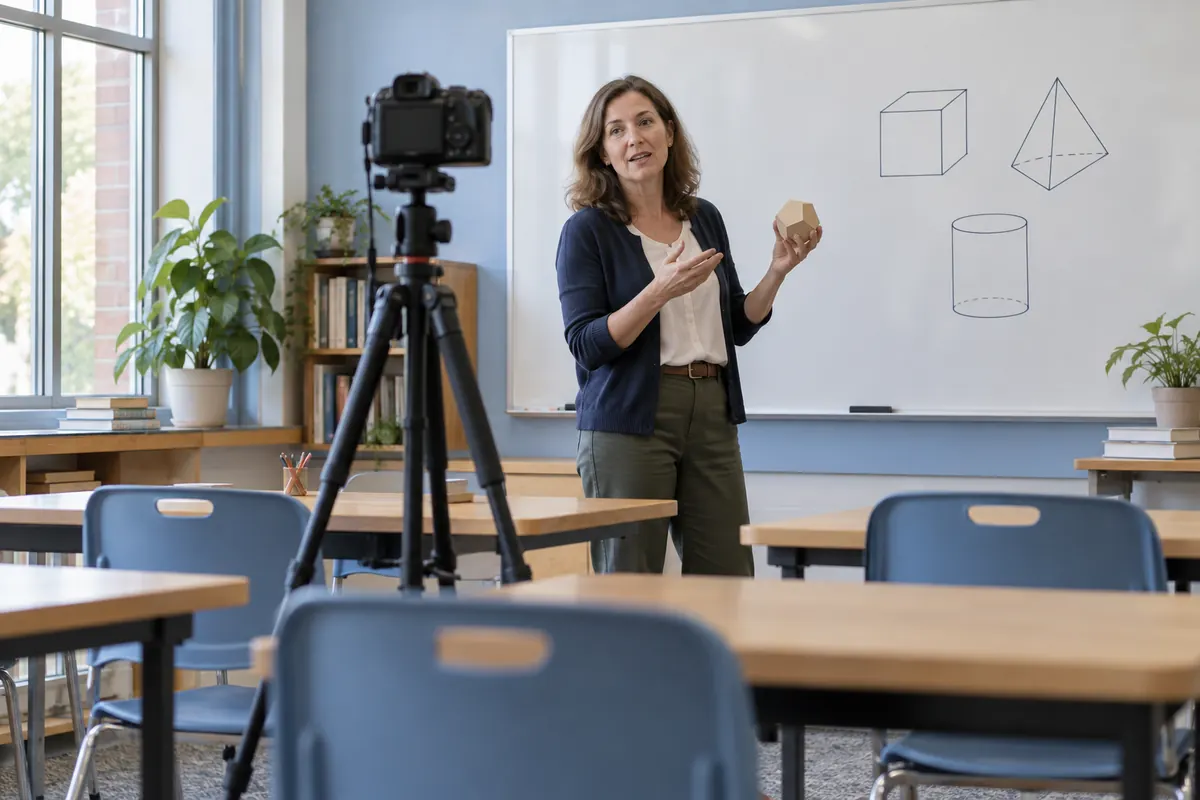
A lecture recording usually has ten useful minutes buried in an hour. Trim it down to the part students actually need before you upload or share it.
From people who send videos every day.

“Finally a compressor that takes my 4 GB screen recordings without asking me to sign up or stamping a watermark on the output. The target-size box alone saved me an afternoon of trial and error.”

“I run a gaming Discord. The free upload cap is 19 MB, so I type 9 MB as the target size and it just works. No account, no credits, nothing to explain to my members.”

“My camcorder spits out MTS files that nothing on my laptop would open. Converted one to MP4 in a couple of clicks — then pulled the audio out as MP3 for a podcast clip. Same site, two jobs done.”

“I email training videos to clients and kept blowing past the 25 MB attachment limit. Now I compress to 23 MB and send it as a normal attachment — no more shared-drive links nobody opens.”

“An hour-long lecture recording had maybe fifteen useful minutes. Cut the rest, compressed what was left, and the whole thing uploaded to the portal without a fight.”

“Most 'free' converters either watermark the file or cap you at a few hundred megabytes. This one took a 2 GB video, no account, no watermark, no upsell screen. I keep the tab pinned now.”
Quick answers on what's free, what happens to your files, and what's coming next.
VideoBee is a set of free online video tools. Compress a video to the size you need, convert it between formats, or cut it down to the part you keep — all in your browser, with no watermark, no sign-up, and nothing to install.
Yes. Every tool is free — no paid tier, no credits to spend, no trial countdown. There is no paywall behind any feature — all video tools online, free, start to finish.
No. You can compress, convert and cut video without signing up. We don't ask for an email address to use a tool.
No. The output carries no watermark and no branding — on any tool, at any file size.
Videos are processed on our cloud servers — which is how the compressor can take a 10 GB upload in your browser. Result files are typically deleted within 24 hours, and you can delete them sooner yourself.
No. Your videos are never used to train AI models.
The video compressor takes files up to 10 GB.
The compressor handles MP4, WebM, MOV, MKV, AVI, WMV and 30+ more. The converter reads 16 input formats and writes 19 outputs, including 10 audio formats like MP3, WAV and M4A.
Yes. Processing happens in the cloud, not on your device — so any machine with a modern browser works, and there's nothing to install.
VideoBee is growing along four lines — compress, edit, convert, and AI tools — extending from video into images, PDFs, text and translation. We announce tools as they ship; no dates until then.
Compress or convert your videos online for free. No watermark, no sign-up, nothing to install.