Free Online Audio Cutter

Cut and trim audio files up to 5 GB online — free, no watermark, no sign-up.

upload-video
Drag and drop an audio or video file to start

Max file size: 5 GB

Supported: MP3, WAV, M4A, AAC, FLAC & more

How to Cut Audio with VideoBee

Three steps in the audio cutter, right in your browser — nothing to install.

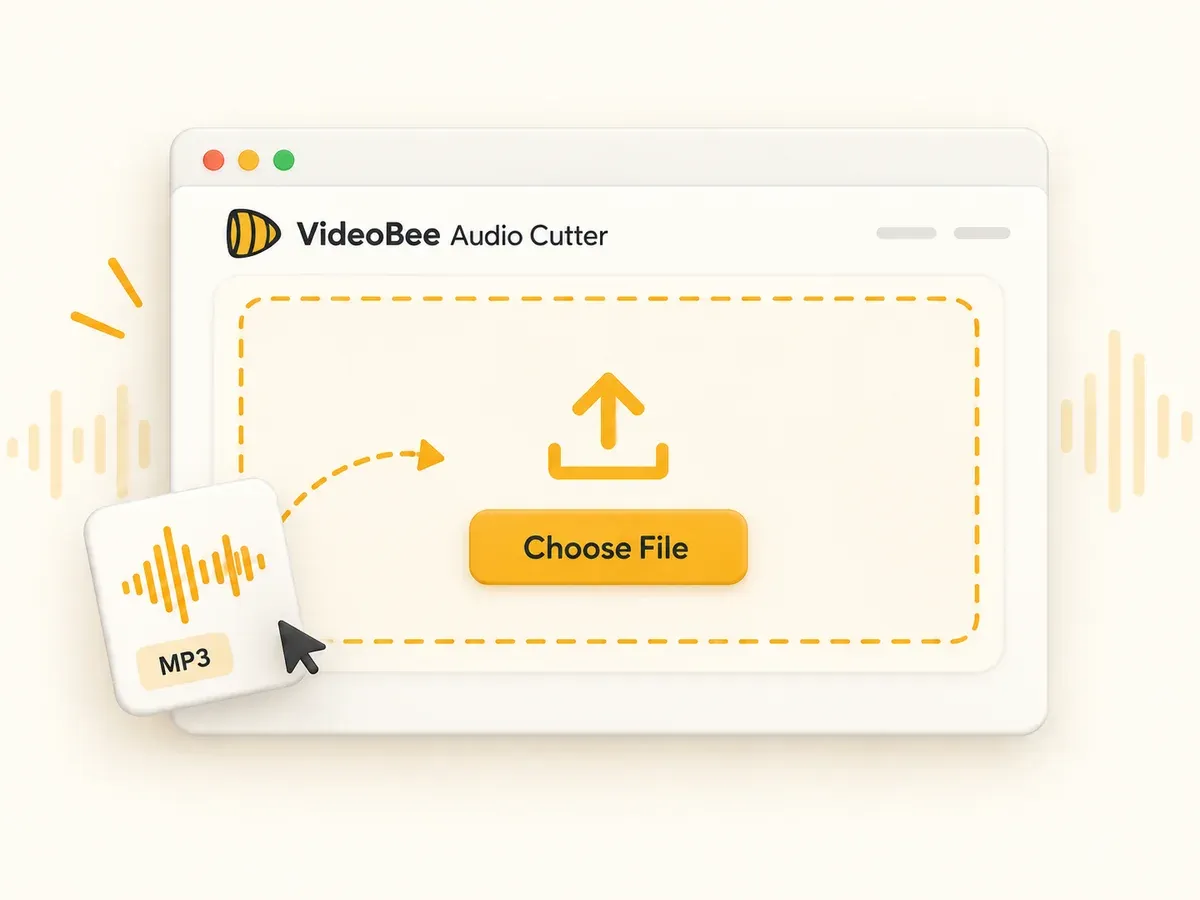
Step 1 — Upload your audio

Choose an audio file from your computer, or drag and drop it into the upload area. Long files are welcome too — the audio cutter takes a full podcast episode or a live set up to 5 GB just as smoothly as a ten-second voice memo. No install, no account, no settings to configure.

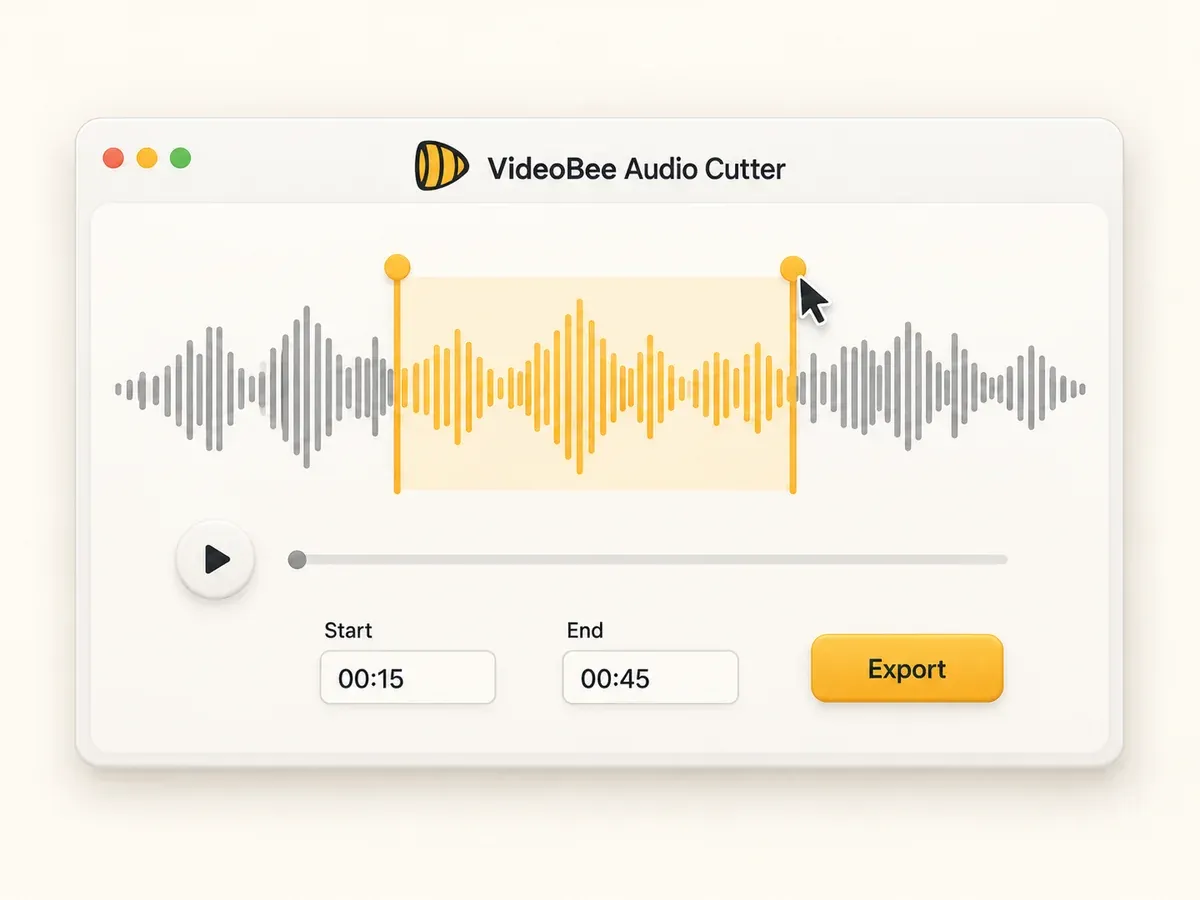
Step 2 — Trim or cut your audio

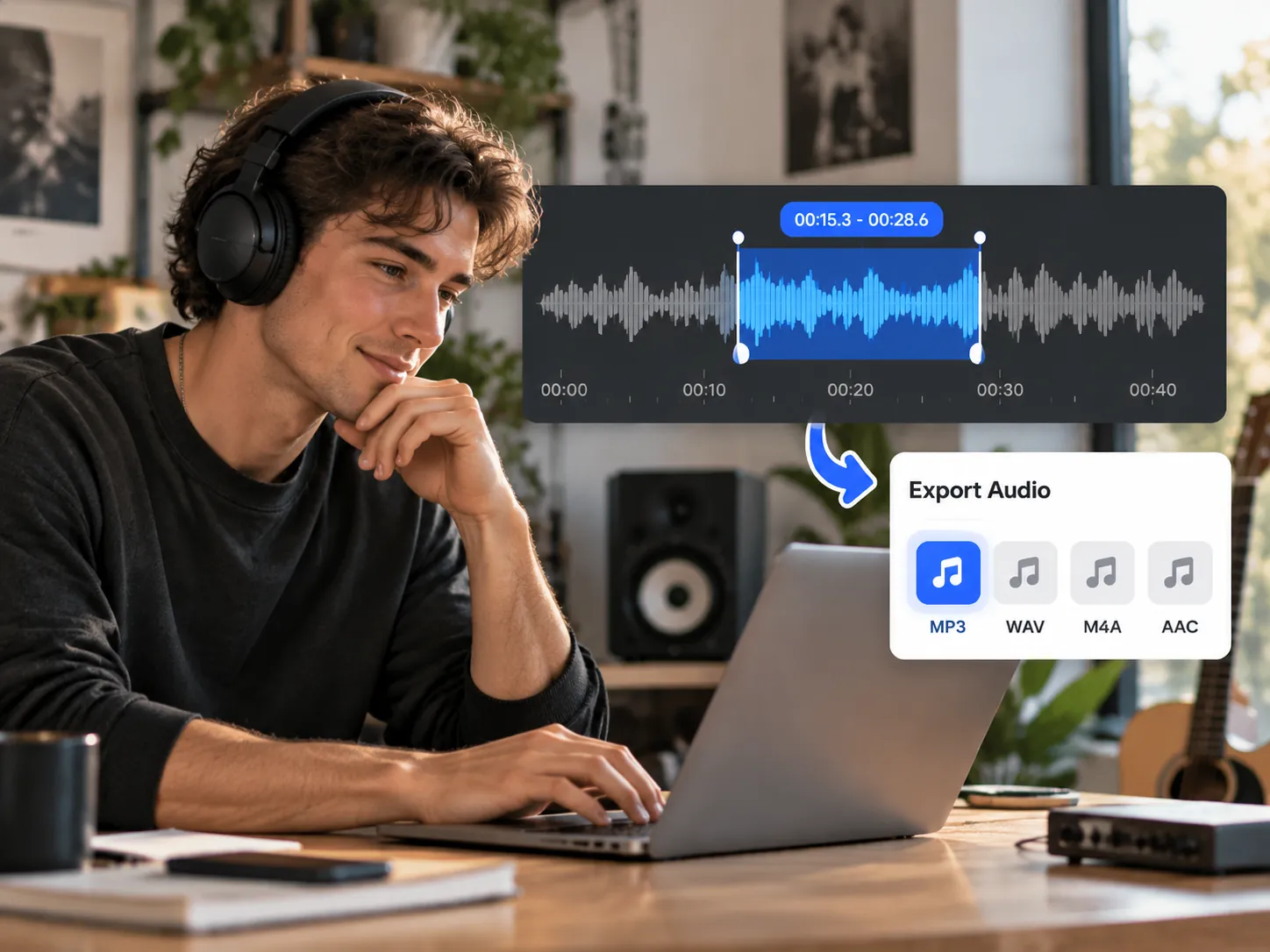
Your track opens as a waveform — a visual map of the sound. Drag the start and end markers to select the part you want, or type exact start and end times. Cut an MP3 down to a single chorus, trim the dead air out of a recording, or lift one section out of the middle — the audio cutter keeps exactly the part you mark and shows the selection length as you go.

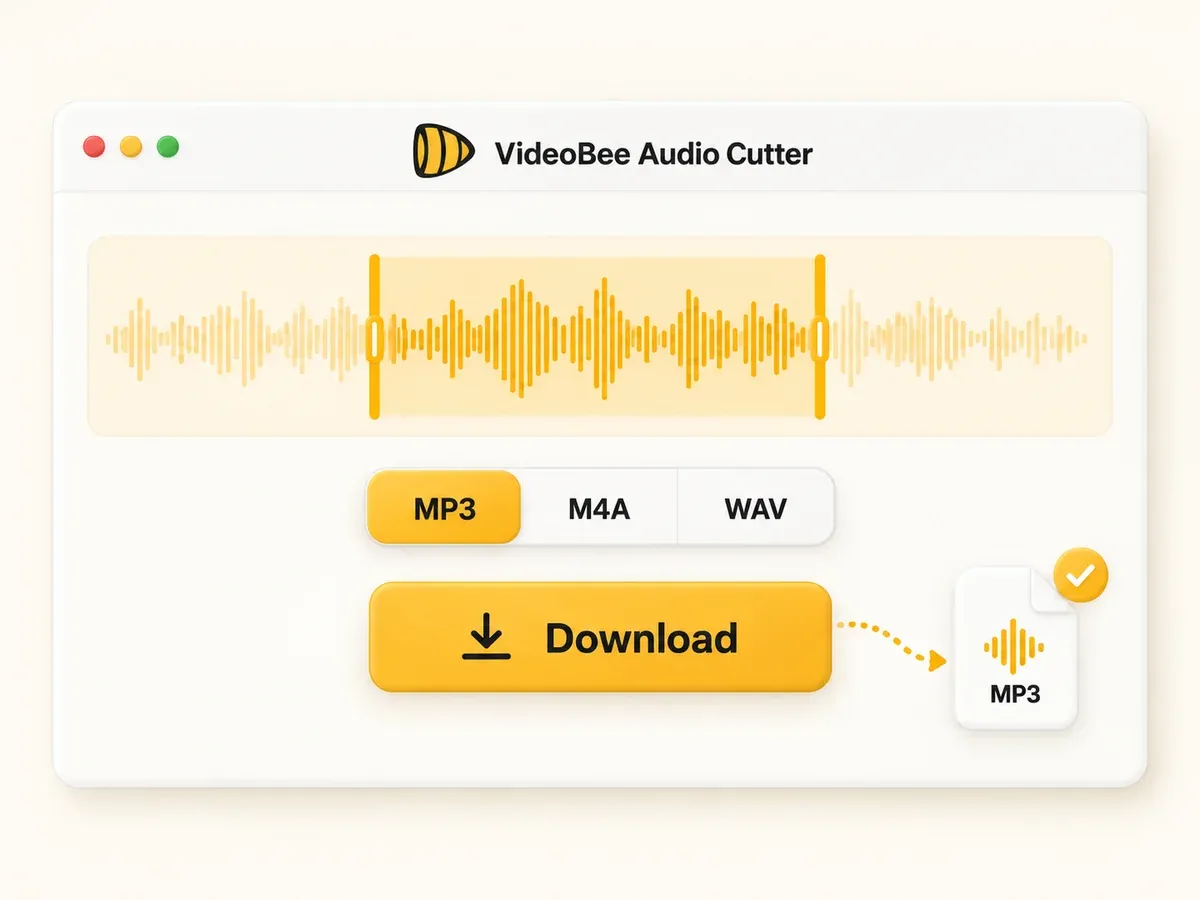
Step 3 — Export and download

Preview the selection to make sure it sounds right, then export your clip. Keep the original format or switch to MP3, M4A, or WAV on the way out — whatever your project needs, the audio cutter has an export option for it. The finished file downloads straight to your device, clean and watermark-free, ready to drop into a video timeline, a phone ringtone, or any music playlist.

Step 1 — Upload your audio
Step 2 — Trim or cut your audio
Step 3 — Export and download

Cut and perfect audio with our audio cutter

Everything below is part of the free tool — there is no paywall between you and the export button.

Free & online

The whole tool runs in a browser tab, so there is nothing to download and nothing to set up. Free means free: no paid tiers, no credits, no trial timer — and that includes large files up to 5 GB. Whatever computer you are on, the audio cutter is ready the moment the page loads.
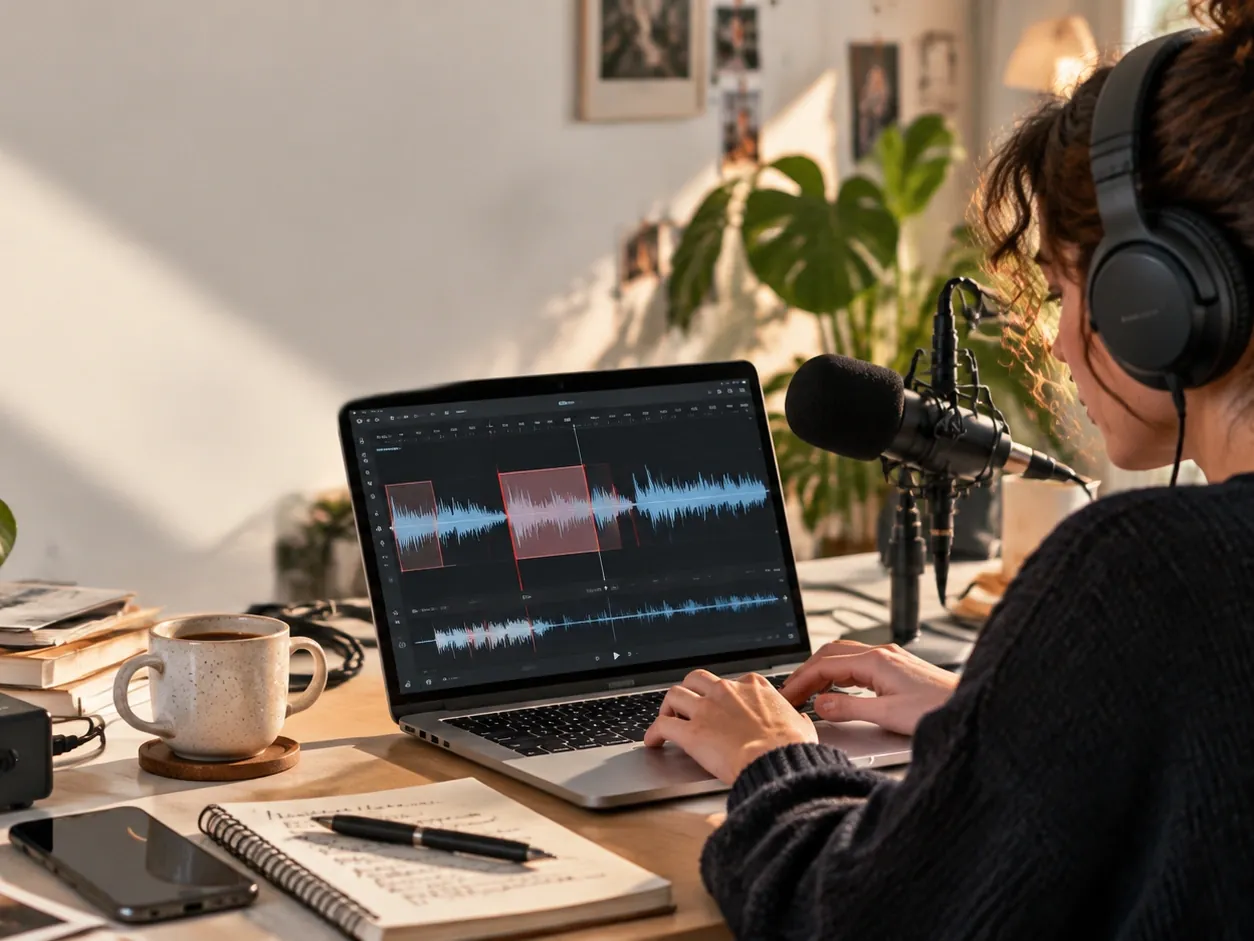
Waveform trimming

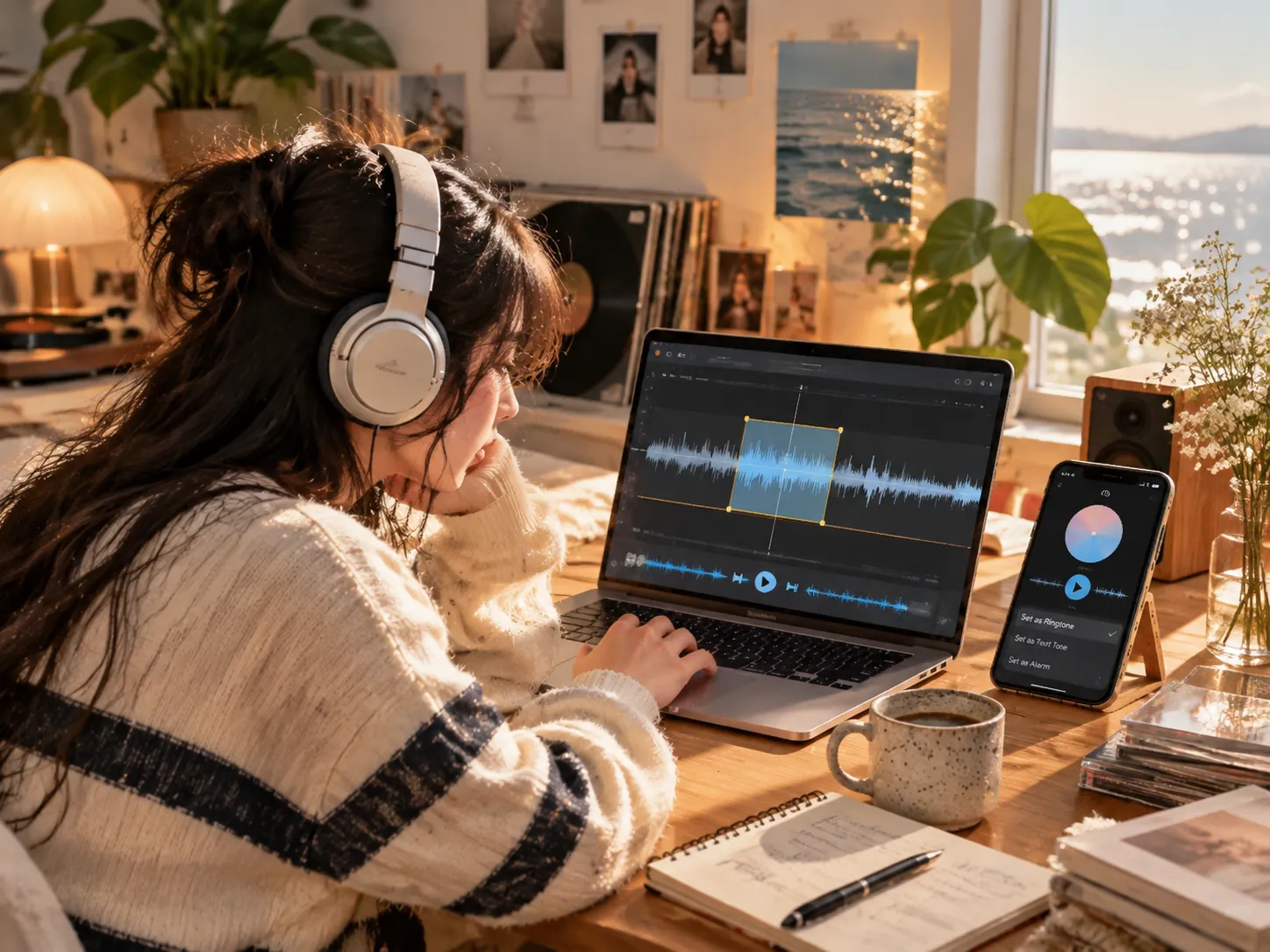
Drag the handles to mark the exact part you want, or type start and end times for precision. The audio trimmer snaps to your selection so you keep only the good section. Adjust the selection to trim a short quote or cut an hour down to minutes. What you see on the waveform is exactly what you get in the export.

Clip any section

Need one verse from a full track? The audio clipper pulls out the segment you want — a chorus, a quote, a sound effect — and leaves the rest behind. The audio cutter then exports that segment in the format you need, so the clip is ready to use the moment it downloads.

40+ formats

Import the file you already have — MP3, WAV, M4A, AAC, FLAC and 30+ more formats. Cut MP3, trim WAV, or clip a section out of an M4A voice memo; whatever the source, the audio cutter opens it exactly as it is, with no need to convert first. On export, keep the original format or switch to MP3, M4A, or WAV.

No watermark, no sign-up

Your export comes out clean — no watermark stamped in the corner, ready for a ringtone, a video, or a playlist. And there is no sign-up gate standing between you and the download button: open the page, cut, save, done. No account, no email, no verification step.

Private by default

The audio cutter processes files in the cloud and automatically deletes them after processing, typically within 24 hours. Your files are never used to train AI models — not now, not ever. Cut a private voice memo or an unreleased demo; nothing lingers once the job is done.

Why choose our MP3 cutter for every scenario

Whatever you are working on — a song that needs a clean edit, a recording with a long pause — you can cut the audio down to the part that matters in a few clicks.

Make a ringtone

Turn a favorite part of a song into a ringtone. The audio cutter trims an MP3 down to the chorus or the beat you like, then export it to drop onto your phone.

Make a ringtone

Trim a podcast

Long recordings often carry pauses, mistakes, or off-topic stretches. Open the file in the audio cutter, remove the unwanted parts, and keep the highlights for a tighter episode.

Trim a podcast

Cut a music clip

Whether you are editing video, building a reel, or working on a personal project, the audio clipper makes it easy to lift a short segment of a track and export it in the right format. The audio cutter handles the export in a couple of clicks.

Cut a music clip

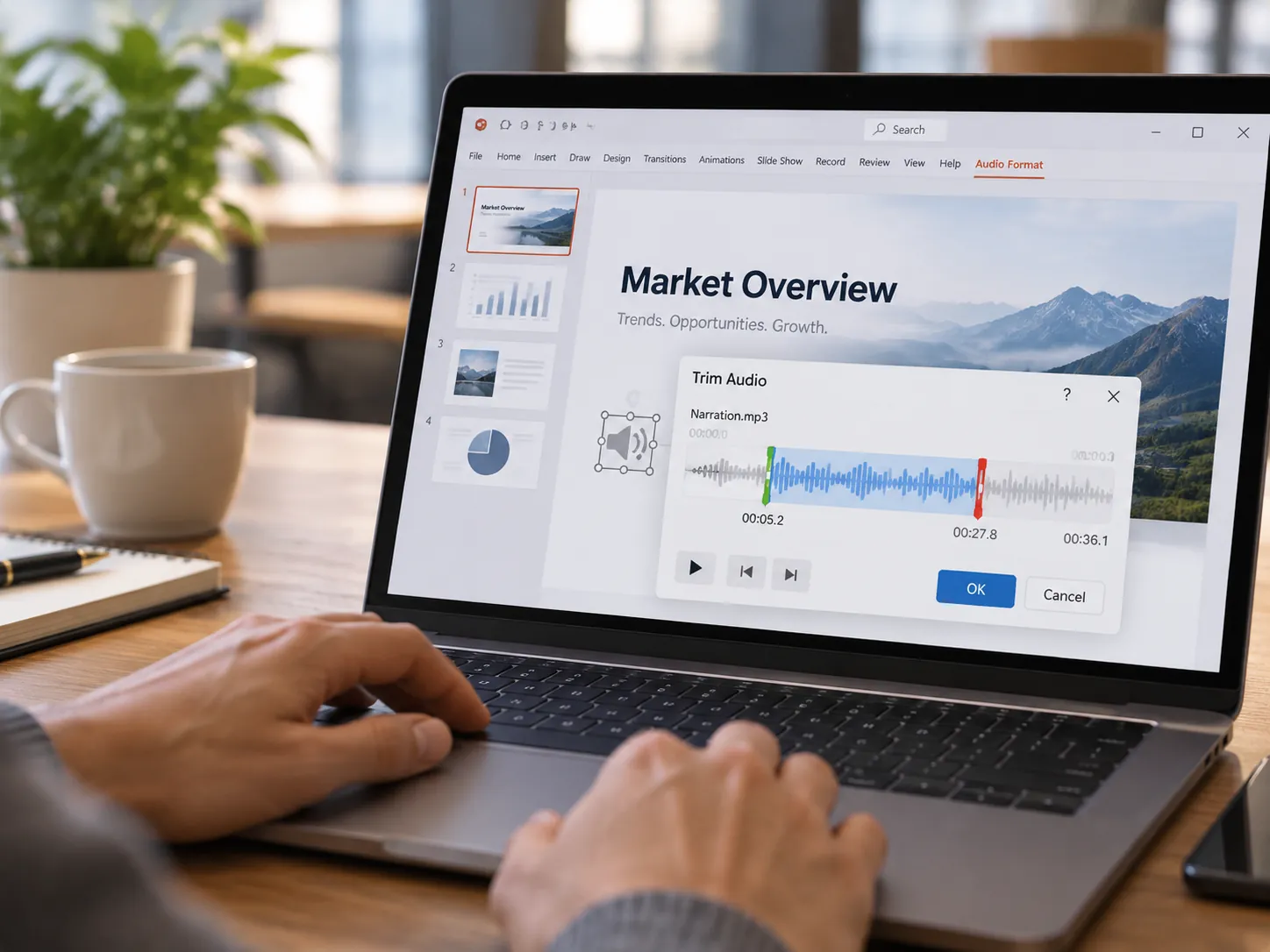
Trim audio for a presentation

Audio in a presentation needs to be short and precise. Open the file in the MP3 cutter, trim it to the exact length required so it plays smoothly on any device.

Trim audio for a presentation

Trim a voice memo

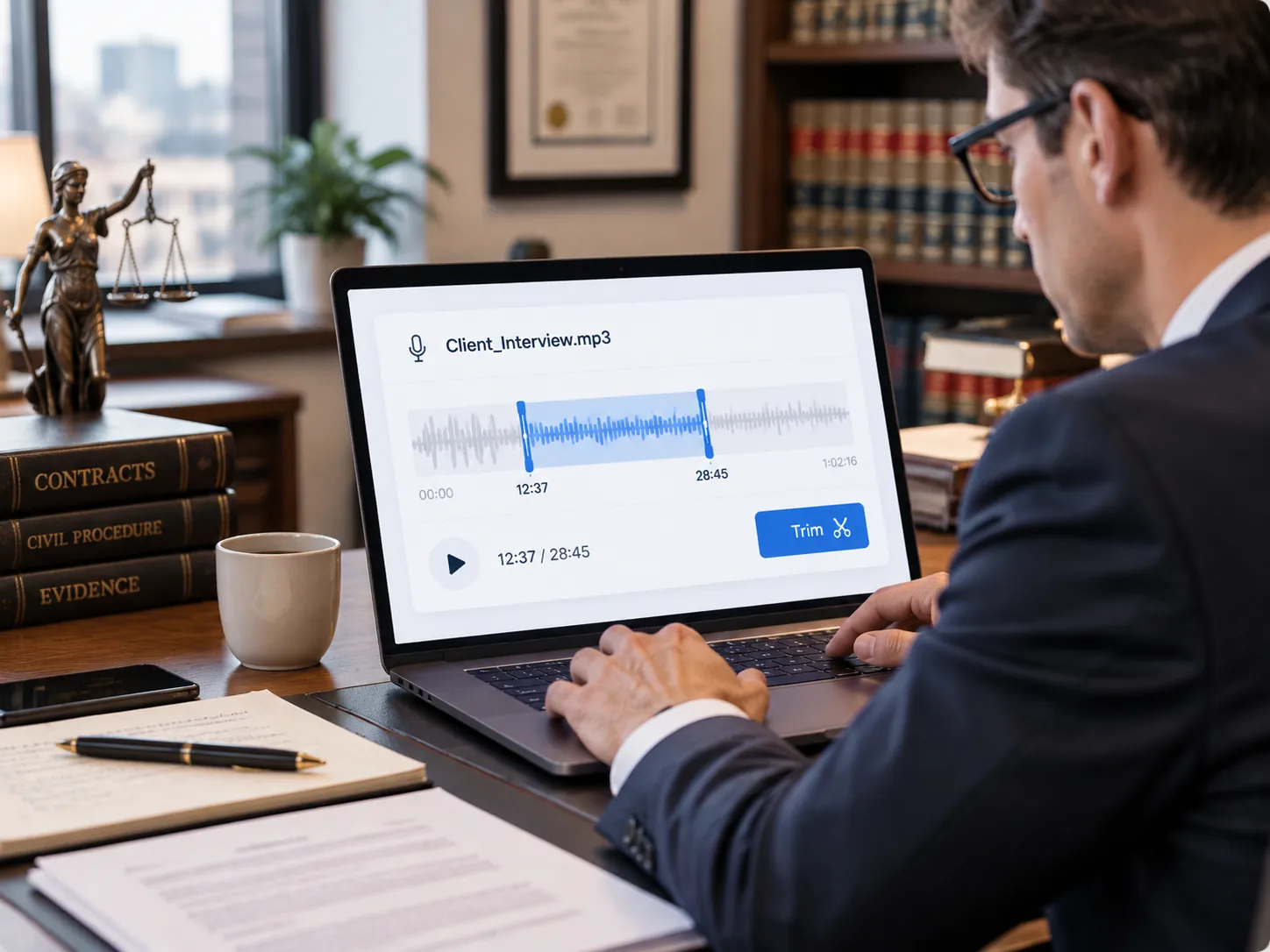
Voice memos and long recordings often start with dead air or rambling takes. Drop the file into the audio cutter, mark the part worth keeping, and trim the recording down to a clean clip — ready to send to a colleague, a client, or your future self. Even hour-long meeting recordings open and cut without a hitch.

Trim a voice memo

See Why Users Love Our Audio Cutter

I edit videos for clients and often need a clean music clip. This tool handled a 40-minute file without slowing down — I marked the part I wanted, exported MP3, and dropped it straight into the timeline. The audio cutter saved me a round trip to my desktop editor.
Marco

Marco

Video editor

My podcast recordings run long with awkward pauses. I cut the audio online, kept only the good takes, and the episode came out tighter. No install, no account — I just open the page.
Dana

Dana

Podcast host

Needed a ringtone from a song but every tool wanted a download or stamped a watermark. This audio cutter didn't — I trimmed the chorus, exported, and it was on my phone in a minute.
Priya

Priya

Student

I record lectures and only need short clips for notes. The waveform made it easy to mark the exact section, trim it, and download — I liked that the audio cutter even kept the original file format, and nothing had to be installed.
Sam

Sam

Student

Our team trims audio for campaign spots across platforms. Being able to cut MP3 and export in the format each platform wants saved us from juggling extra tools. The audio cutter keeps our workflow in one tab.
Lena

Lena

Marketing manager

A voice memo had a long silence at the start. I dragged the handles, cut the dead air, and sent the clean clip to my colleague the same minute.
Tom

Tom

Account executive

Common questions about our audio cutter

Quick answers on formats, file limits, and how cutting audio works.

Cut your audio exactly the way you want

Select the part that matters and export without sacrificing quality. Cut MP3, WAV, M4A and 30+ more — the audio cutter is free, no-sign-up, no watermark.

Get started for free