
Free Online Video Compressor
Fast video compression with high-quality results. Supports files up to 10 GB. No login, no watermark.
Fast video compression with high-quality results. Supports files up to 10 GB. No login, no watermark.

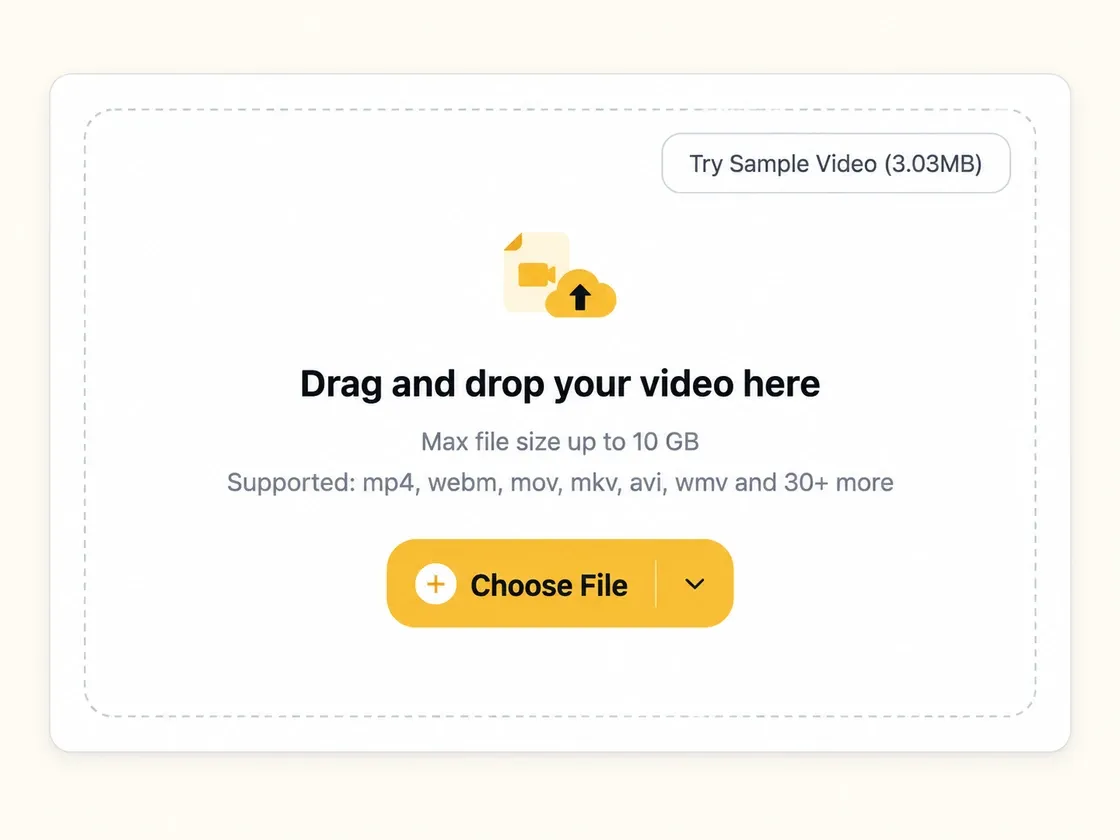
Drag and drop your video here
Max file size up to 10 GB
Supported: mp4, webm, mov, mkv, avi, wmv and 30+ more
Reduce video size with flexible settings, high-quality results, and support for files up to 10 GB in 30+ formats.
Use our free video compressor as often as you need, with no credits or subscriptions. No login is required, and your compressed videos are ready to download without a watermark.
Our video compressor supports files up to 10 GB, including long recordings, gameplay captures, and camera footage. Compress large videos online without splitting them into smaller files before you begin.
Reduce video size while keeping the details that matter. Adjust quality and choose H.264 or H.265 encoding to balance smaller files with clear, sharp results for everyday viewing and sharing.
Set your target file size in Basic mode or explore Advanced settings for more control. Adjust video quality, resolution, bitrate, and codec settings to suit your sharing, storage, or playback needs.
Compress MP4, MOV, MKV, AVI, and other popular formats with our video compressor. With support for over 30 input formats and MP4 output, preparing smaller videos for sharing is simple.
Your videos are processed in the cloud and never used to train AI. Result files are deleted from our servers within 24 hours, helping keep your content private after compression.
Use our free video compressor to upload, adjust settings, and download a smaller video in three simple steps.
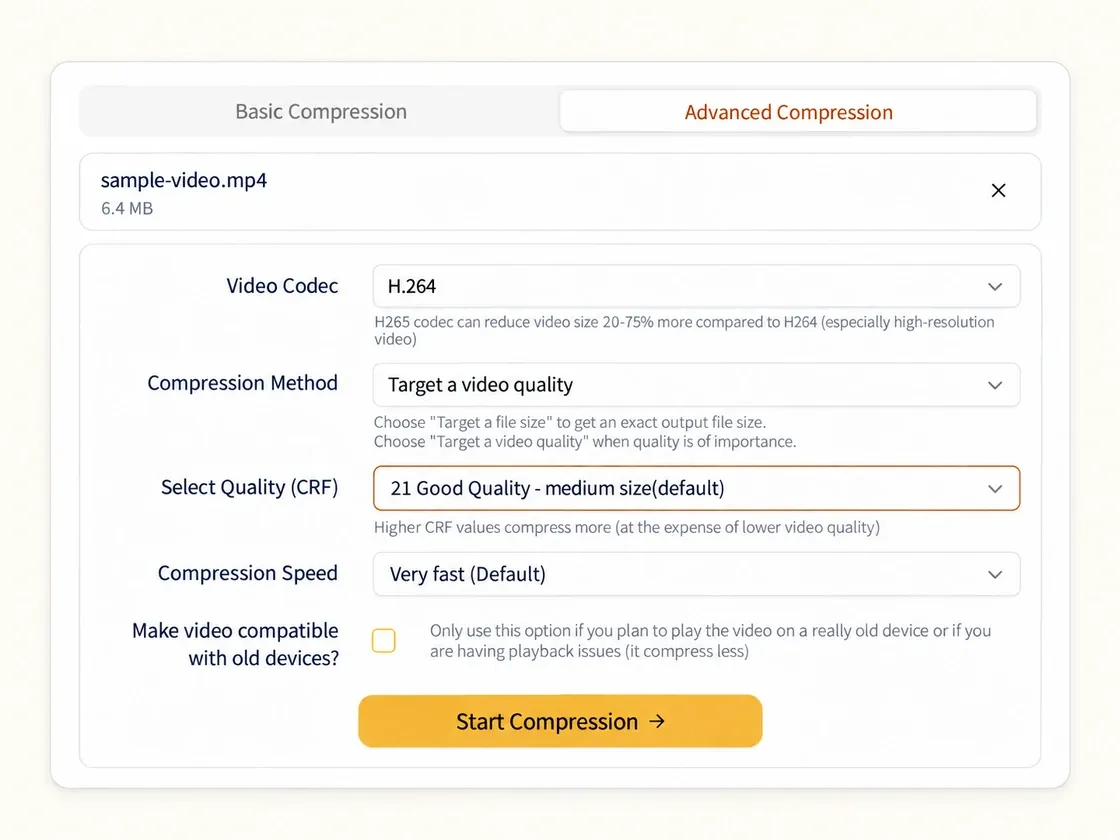
Set a target file size in Basic mode, or switch to Advanced to adjust quality, resolution, bitrate, and codec. Choose the settings that fit your sharing or storage needs.
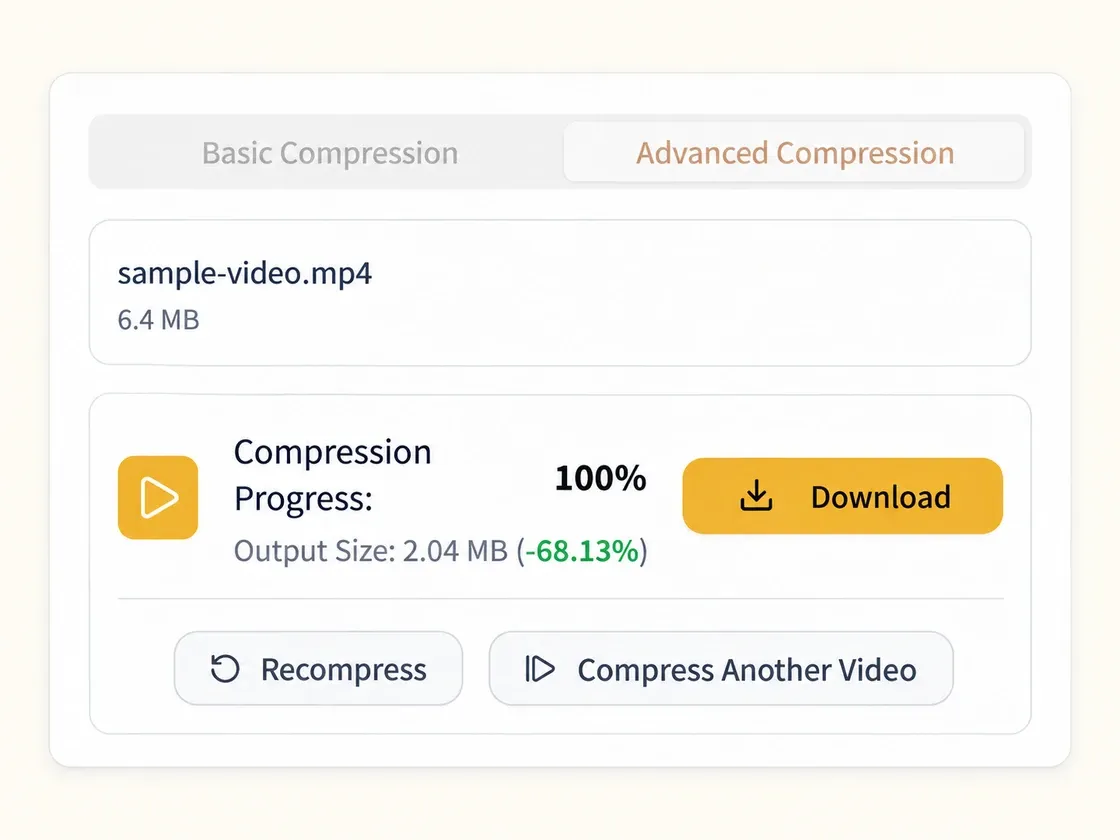
Click Start Compression and let our video compressor process your file. Once finished, check the output size and download your compressed MP4, or adjust the settings and compress again.
Turn large videos into smaller, high-quality MP4 files that are easier to share and store.
Discord Uploads
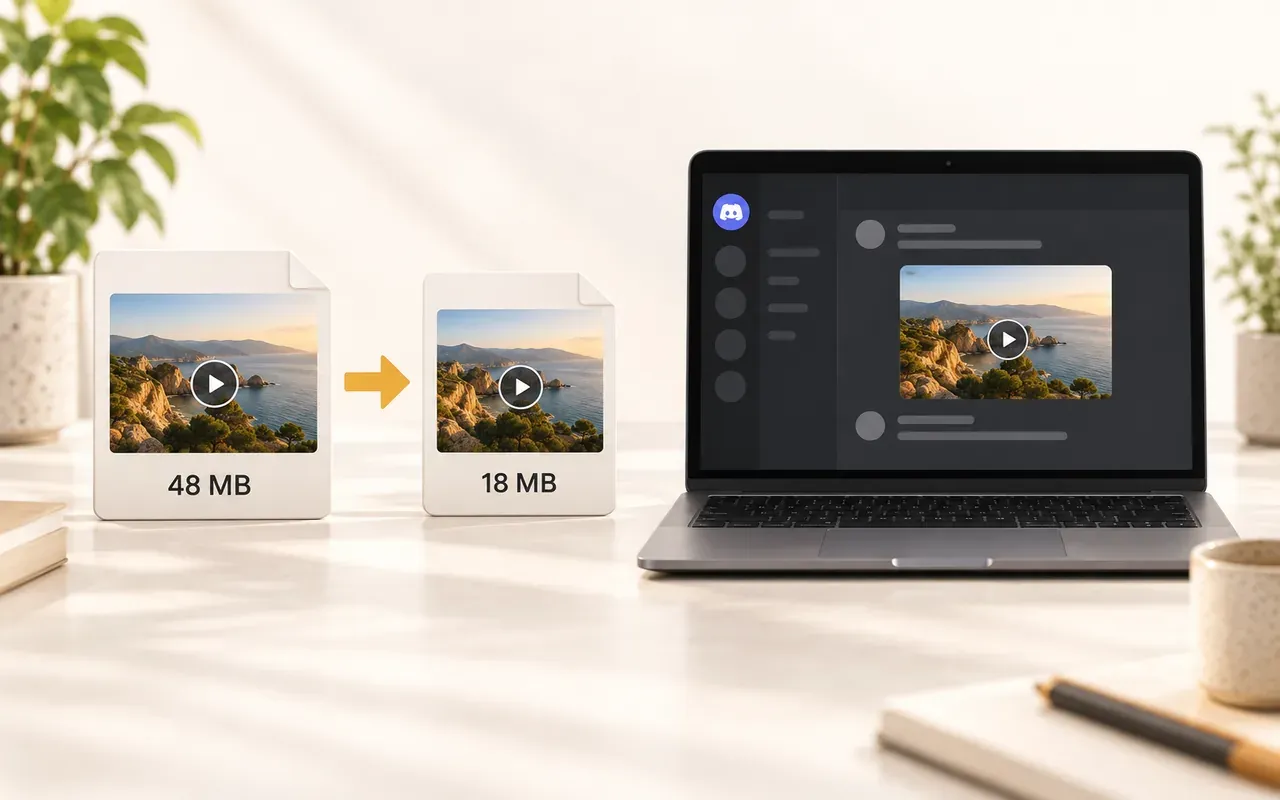
Discord currently limits free uploads to 20 MB. Set a target slightly below the limit, compress your video online, and download a smaller file that is easier to share without splitting the clip.
Save Storage
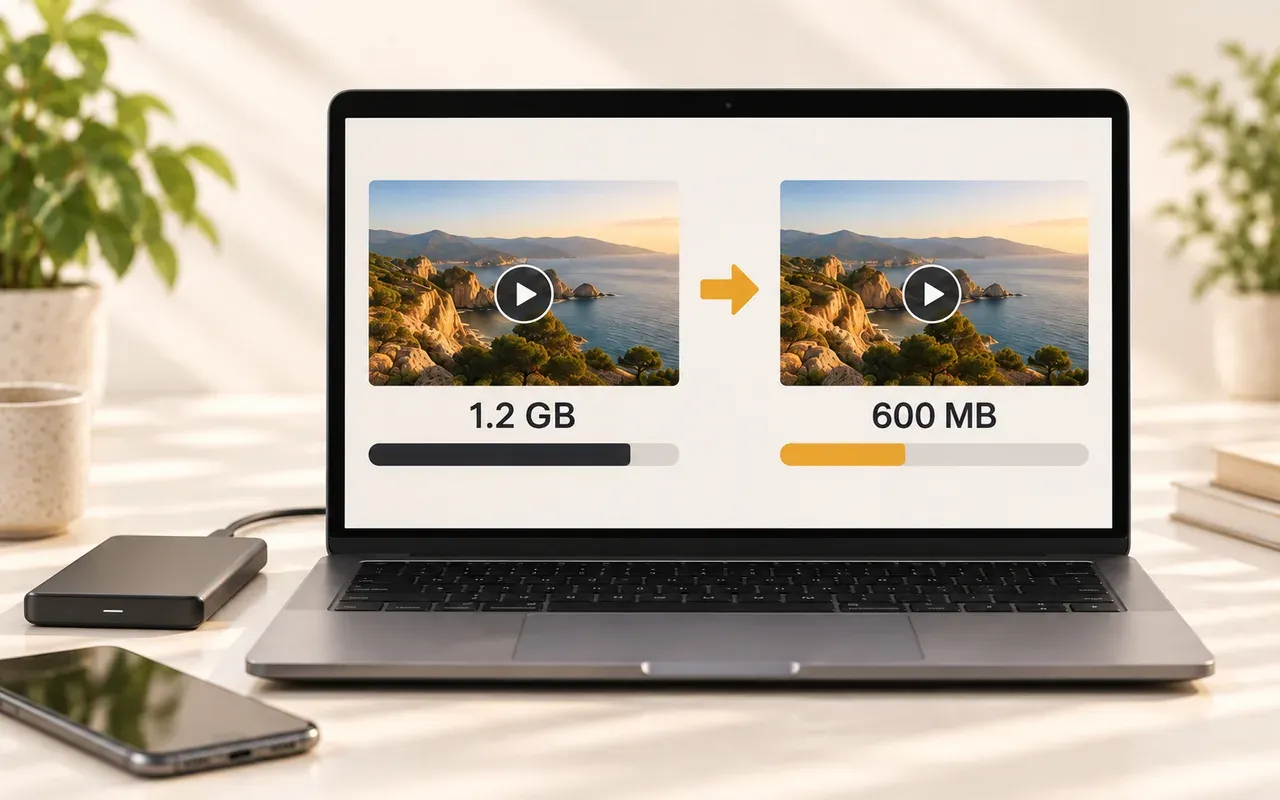
Large videos can quickly fill your phone, computer, or cloud storage. Reduce video size, review the compressed result, and replace the original only when you are ready to free up space.
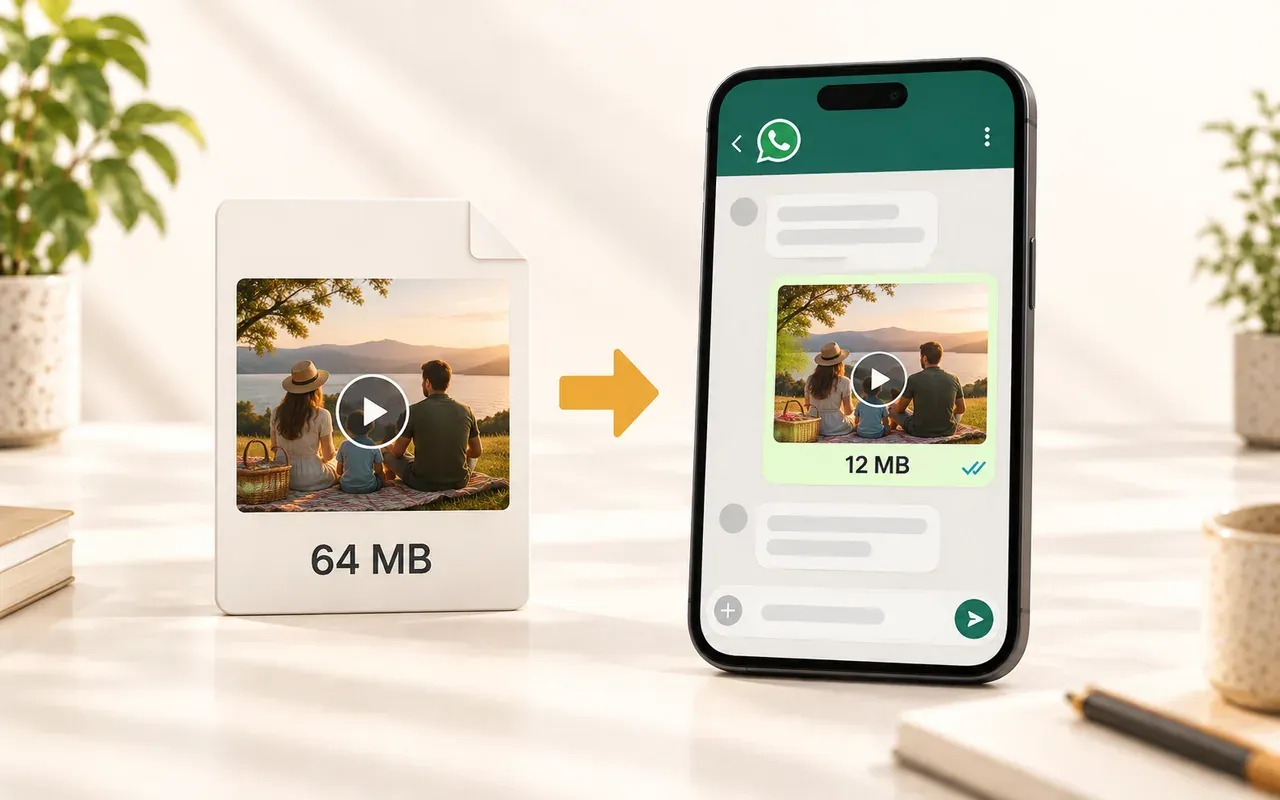
WhatsApp Sharing
Large video files take longer to upload and can be difficult to send through WhatsApp and other messaging apps. Compress video before sharing to reduce upload time and mobile data use while keeping clear playback quality.
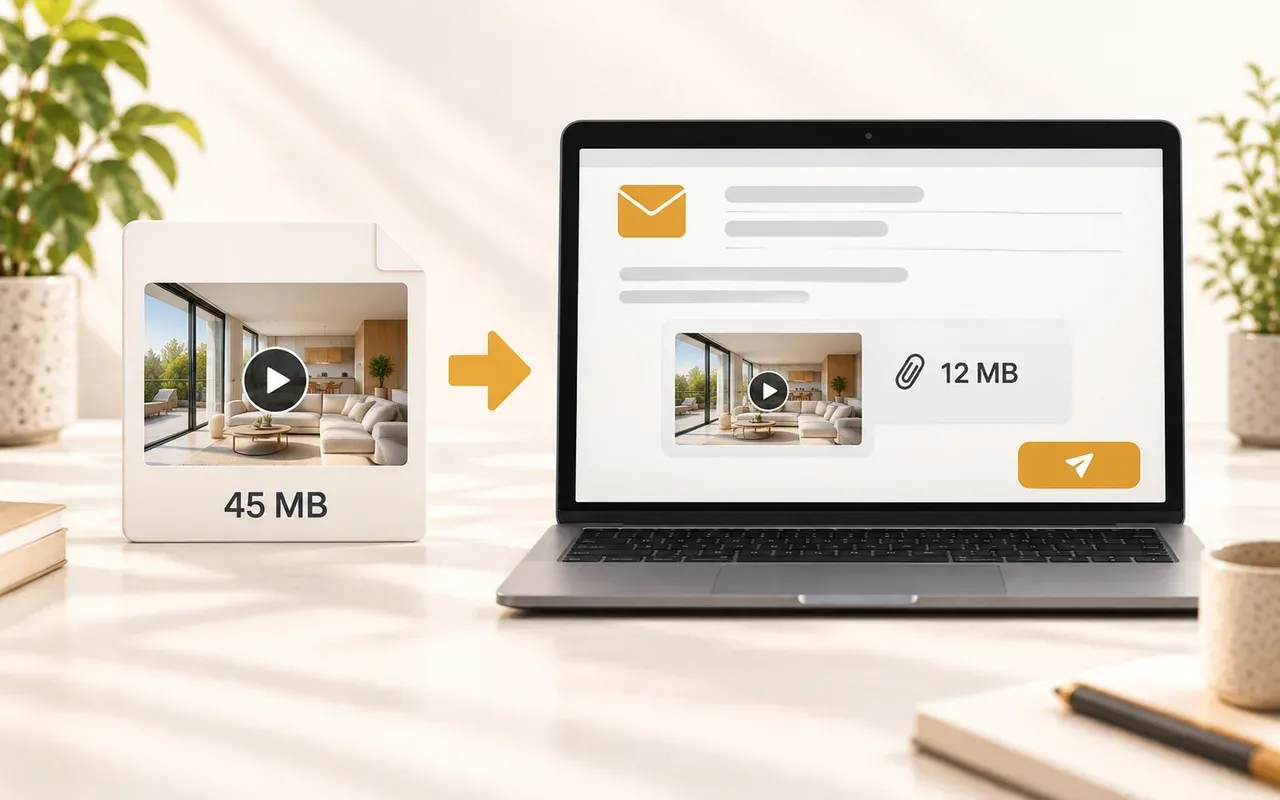
Email Attachments
Email services often limit total message size to about 20 MB or 25 MB. Set a smaller target with room to spare, then attach the compressed video directly instead of sending a cloud link.
See how people use our video compressor to share videos, save storage space, and work with large files.

Dhruv K.
Community Moderator

Ananya R.
Video Creator

Putri S.
Social Media Manager

Carlos M.
Online Course Creator

Jake T.
Freelance Video Editor

Rina W.
Real Estate Agent

Farah D.
Film Student

Lena K.
Marketing Specialist
Switch between versions to compare video quality and file size.
Compress videos up to 10 GB with flexible settings and high-quality results. No watermark, no sign-up, and unlimited compressions.
Compress Video NowQuick answers on sizes, formats, quality, and privacy.