
Free Online Video Converter
Convert videos quickly and easily, with batch processing and flexible settings. Supports files up to 5 GB. No sign-up, no watermark.
Convert videos quickly and easily, with batch processing and flexible settings. Supports files up to 5 GB. No sign-up, no watermark.
Use VideoBee to convert videos to your preferred format in just 3 simple steps.
Drag and drop your videos, or click Select File to choose files from your device. Add one or multiple files to the video converter, with support for up to 5 GB per file.
Choose MP4, MOV, or another format from the Output menu, or select an audio format to extract sound. Adjust video resolution, frame rate, or trimming in settings if needed.
Click Convert to start processing your files. Follow the progress of each task, then click Download when it finishes to save the converted file to your device, ready to use or share.
Convert videos for sharing, playback, and editing with broad format support, batch processing, and flexible settings.
Use our free video converter without an account, subscription, or credits. Convert as many videos as you need and download files without added watermarks, ready to share, publish, or edit.
Upload MP4, MOV, MKV, AVI, and other supported formats. Choose from 9 video and 10 audio output options, whether you need a compatible video file or just the audio track.
Add multiple videos to one conversion queue and choose a shared output format or set formats individually. Track each file's progress and download completed results as the remaining files continue processing.
Upload and convert video files up to 5 GB each. Work with long recordings, camera footage, or high-resolution videos without splitting a supported file into smaller parts before you start.
Keep the default settings for a simple conversion, or adjust video resolution and frame rate to suit your needs. Trim the start and end to convert only the part you want.
Cloud servers handle the conversion, so you don't need to install software. Result files are deleted within 24 hours after processing, and your videos are never used for AI training.
Convert videos into the formats you need for social posts, everyday playback, and editing.
Prepare videos for Instagram, TikTok, Facebook, or X by converting them to MP4. Adjust resolution and frame rate to suit your publishing needs, or trim a clip before uploading. Convert several videos together when preparing a series of posts or campaign content.
Convert Video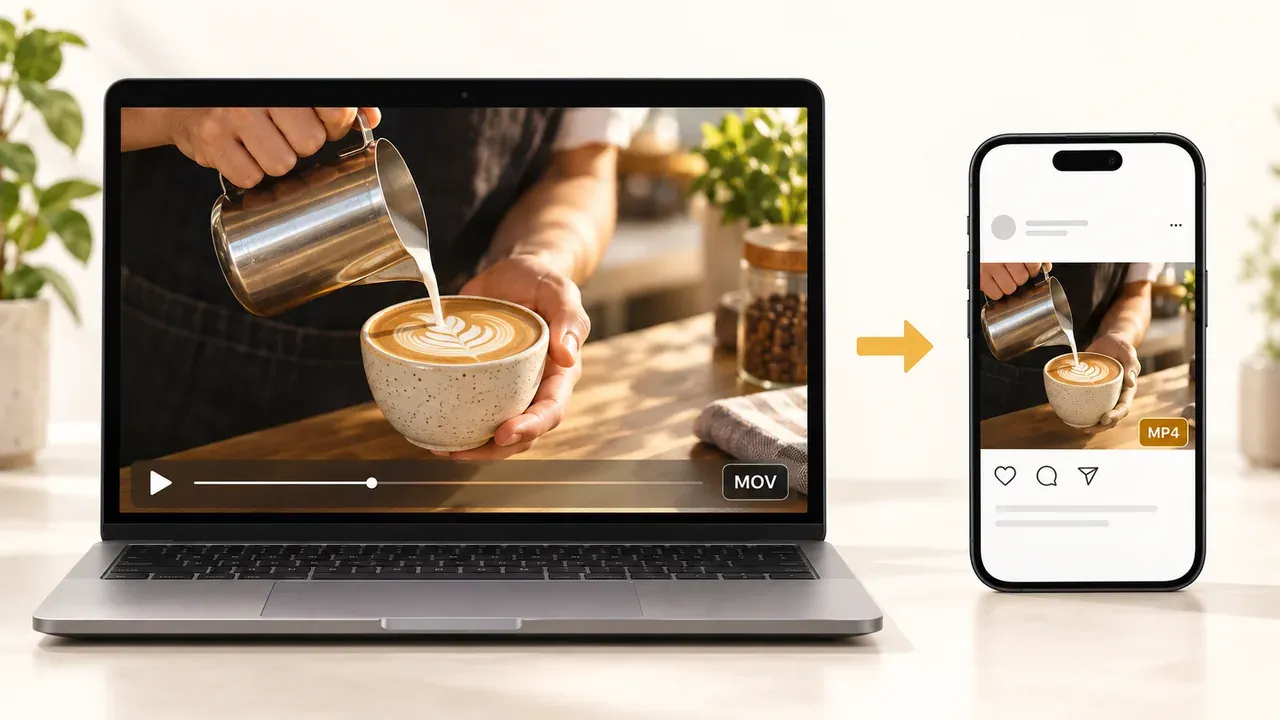
Turn video interviews, recorded lessons, and presentations into audio files for listening or editing. Use the video converter to extract MP3, WAV, or another supported audio format. Trim a specific section when you only need a quote, explanation, or part of a recording.
Extract Audio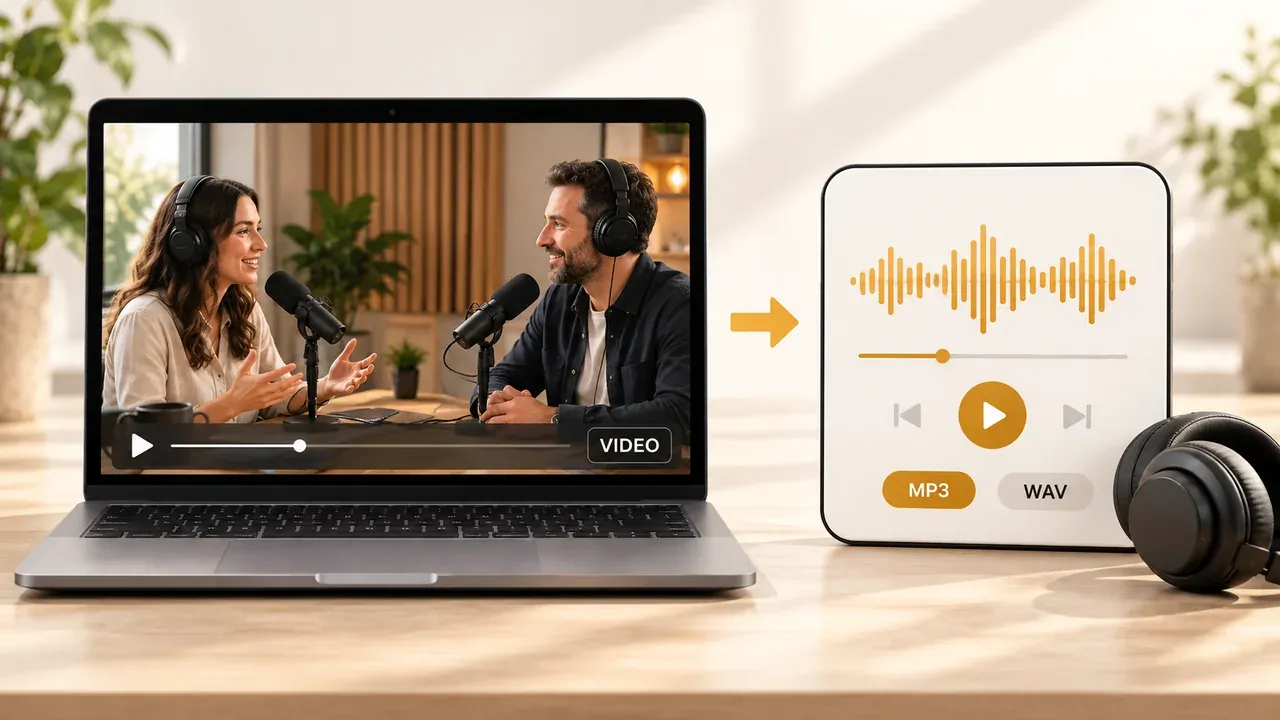
Use our video converter to prepare camera footage for editing. Convert supported formats such as MTS, M2TS, and TS to MP4 or MOV, then download the results for your project. Process several clips together when organizing footage from a shoot, event, or recording session.
Convert Video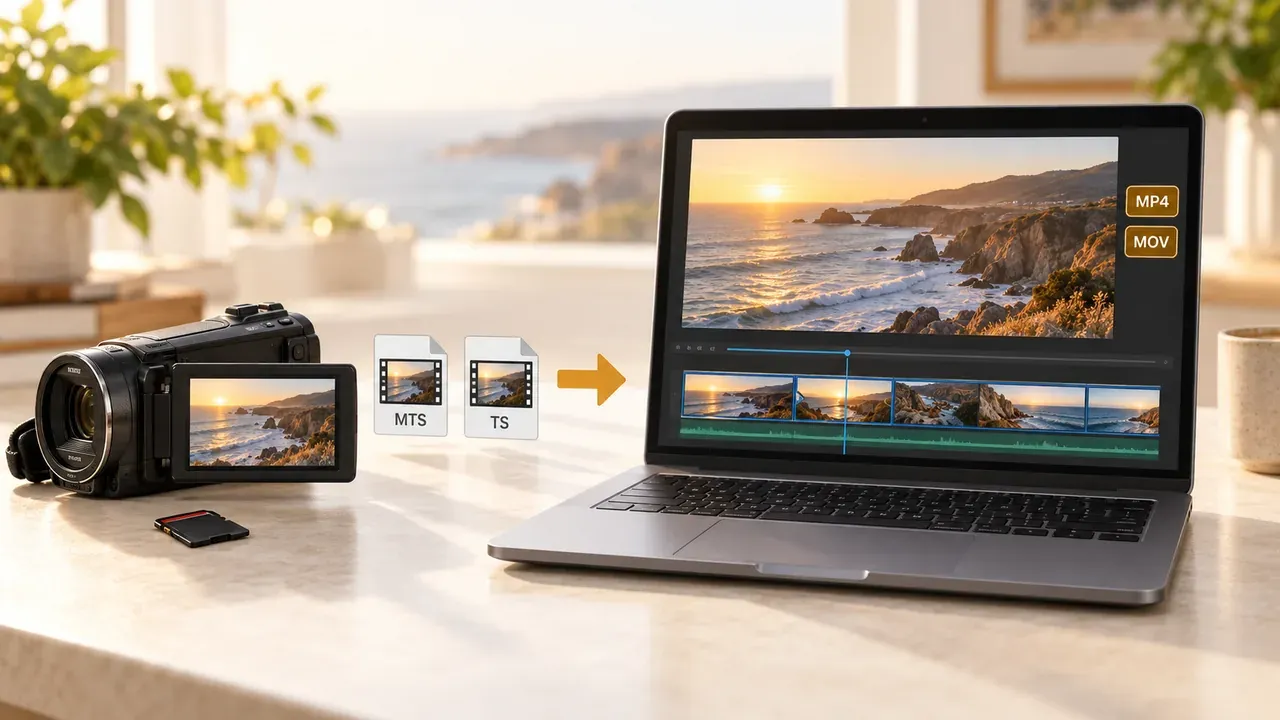
Convert videos to MP4 or another format supported by your phone, tablet, or computer. Use device shortcuts for Android, iPhone, or iPad, or choose a format yourself. Download the converted file for everyday viewing or sharing with people who use different devices.
Convert Video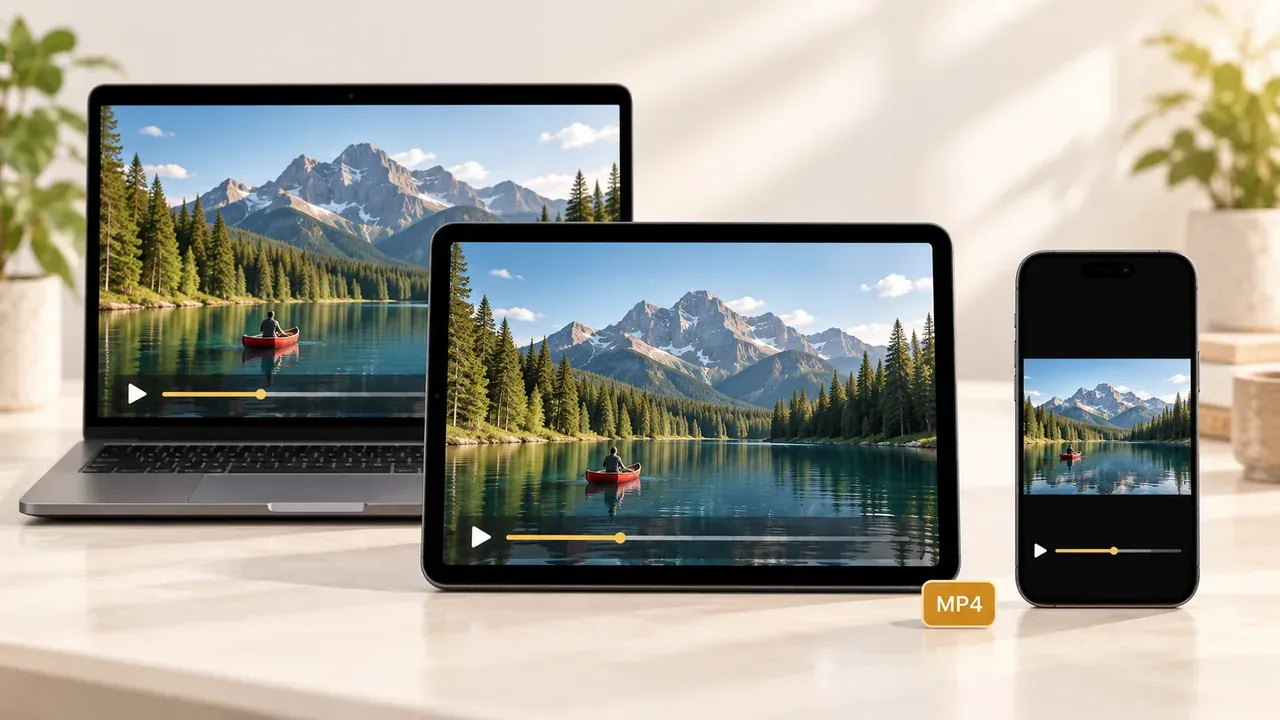
See what users think of our free online video converter.
Marcus Reed
Content Creator
"I shoot on my phone and edit on a friend's MacBook, so every project starts with a format mismatch. Now I convert to MOV in one step with this video converter before I even open my editor. Saves me a solid 20 minutes per project."
Hannah Cole
Podcaster
"I record interviews on video but publish them as audio. With this video converter, I can pull the MP3 straight out of the video file — without installing an audio editor — and cut one whole tool out of my workflow."
David Hayes
High School Teacher
"My recorded lectures are in MTS from the school camera and half my students couldn't play them. Converting to MP4 with this video converter fixed it — every student, every device, zero complaints since."
Sophie Bennett
Freelance Editor
"No sign-up, no watermark, no 'upgrade to continue' walls. I've converted 30+ client files with this video converter, and it's been exactly the same free experience from the first one."
Tyler Brooks
Social Media Manager
"The format picker in this video converter covers everything my clients throw at me — 9 video formats plus audio extraction in the same tool. One page replaces the three converter tabs I used to keep open."
Ryan Mitchell
Videographer
"Clients send me footage in everything from VOB to 3GP. This video converter lets me standardize the odd ones to MP4 before archiving, and knowing the uploads auto-delete within about 24 hours makes it an easy choice for client work."
Find quick answers to your questions about converting videos.