
Free Online Video Cropper
Crop video to any size — 16:9, 9:16, 1:1, or exact pixels — up to 5 GB, free, no watermark, no sign-up.
Crop video to any size — 16:9, 9:16, 1:1, or exact pixels — up to 5 GB, free, no watermark, no sign-up.

Max file size: 5 GB
Supported: mp4, webm, mov, mkv, avi, wmv, 30+ more
Three steps in the video cropper, right in your browser — nothing to install.
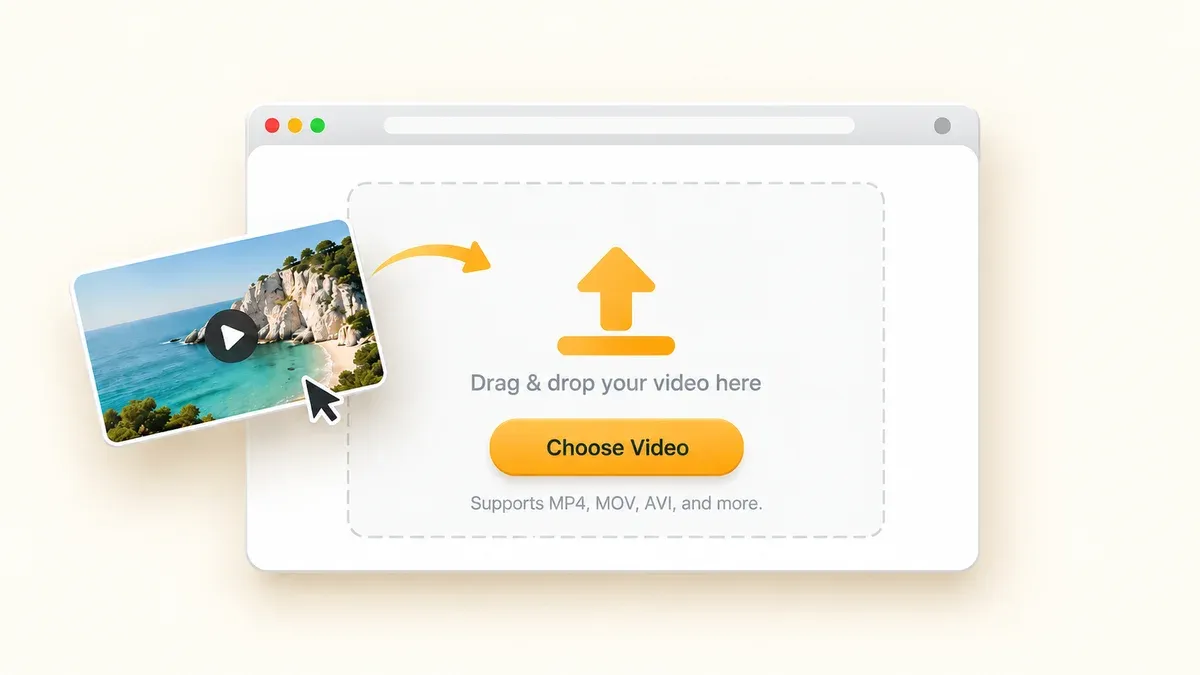
Choose a video from your device or drag and drop it into the upload area. Supports MP4, MOV, AVI, and other popular formats.
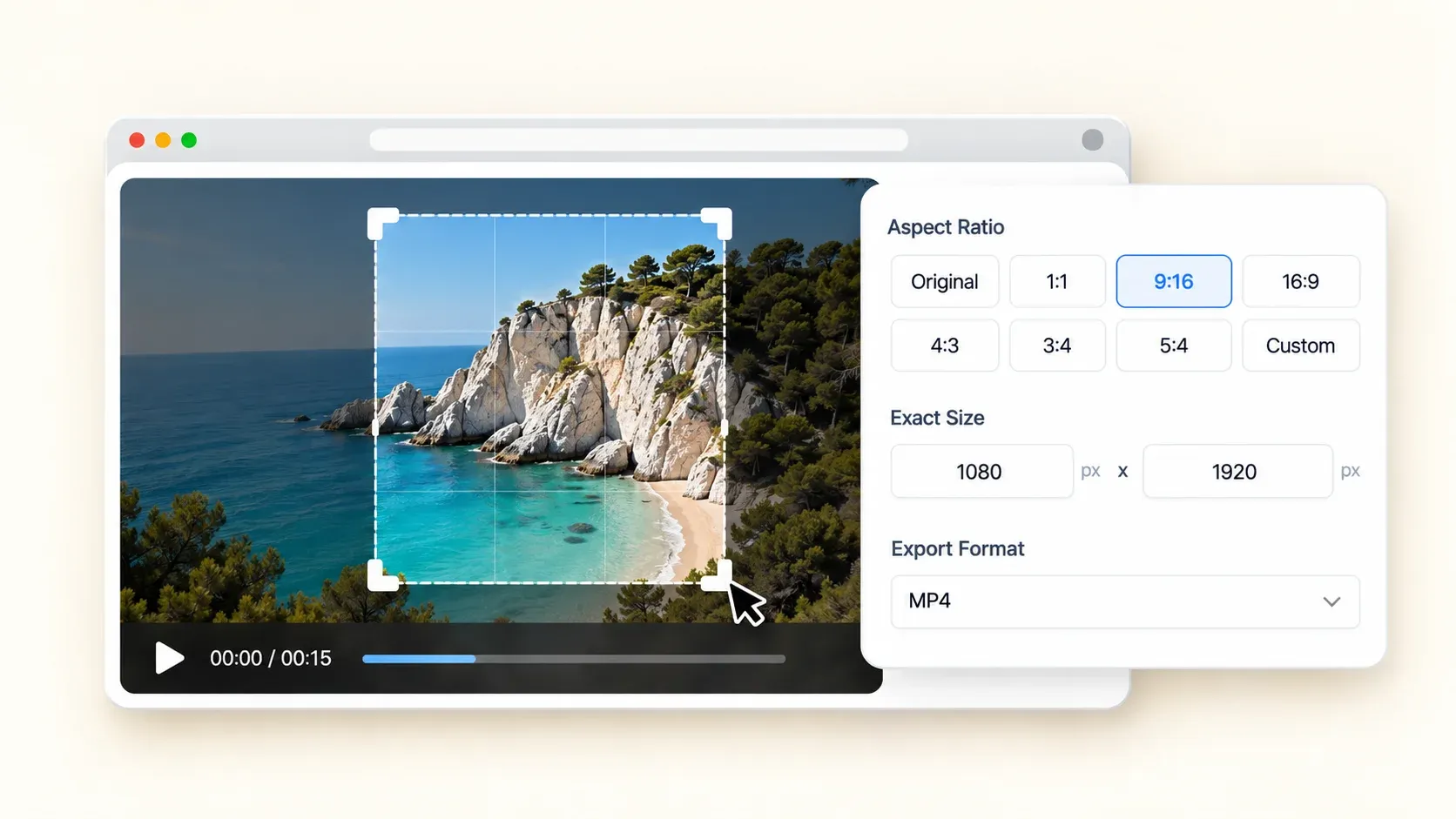
Drag the video cropper's frame over the part you want to keep, or pick a preset ratio like 9:16, 1:1, or 16:9. You can type the pixel width and height to set any size you want. The video cropper online updates your preview in real time.
Once you've finished cropping, export your video with one click and download the MP4 to your device. Your cropped video is ready to post or share in high quality, with no watermark.
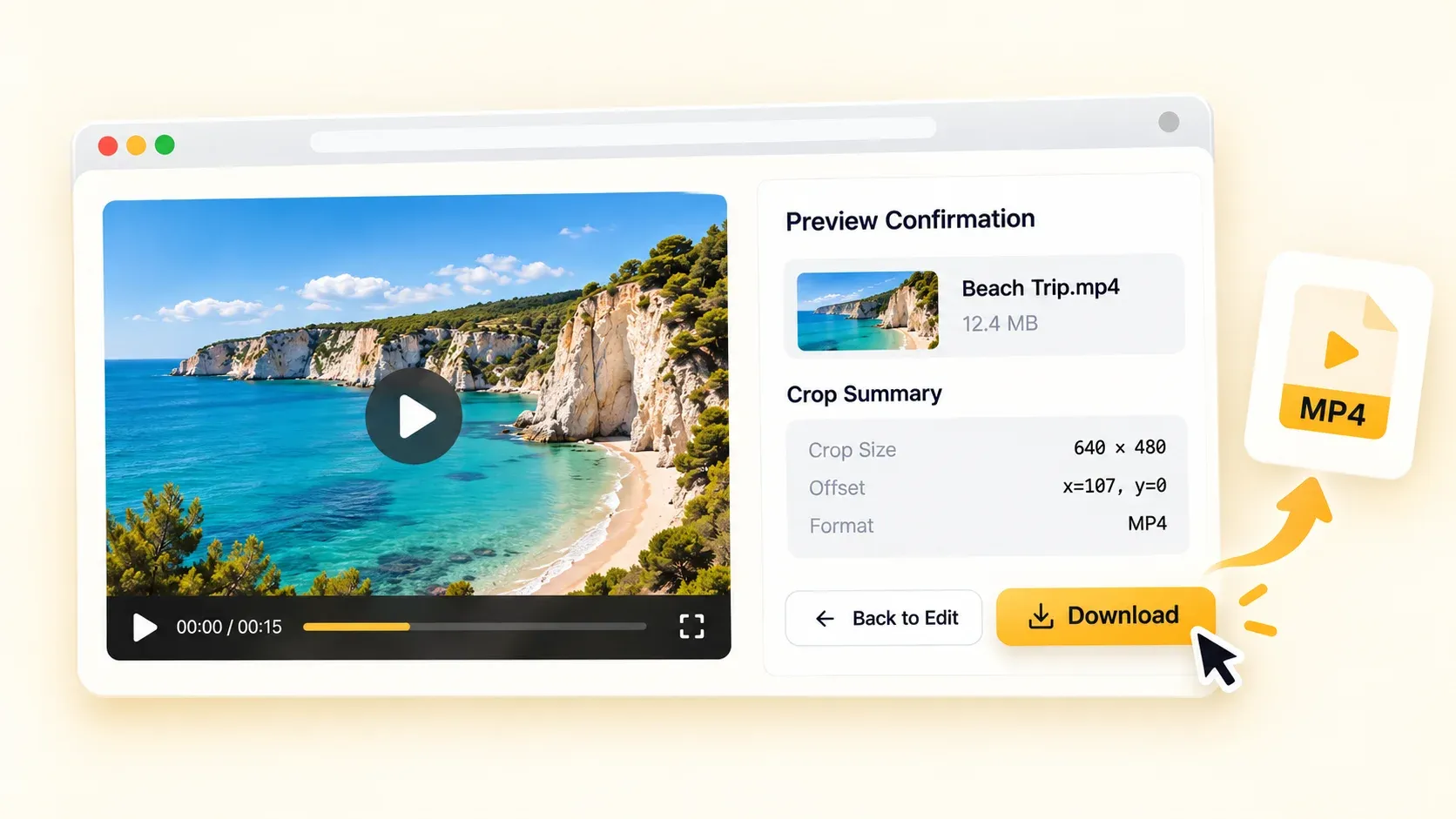
Everything below is part of the free tool — there is no paywall between you and the export button
The whole tool runs in a browser tab — no software to install. Free means free: no paid tiers, no credits, no trial timer, even for large videos up to 5 GB.
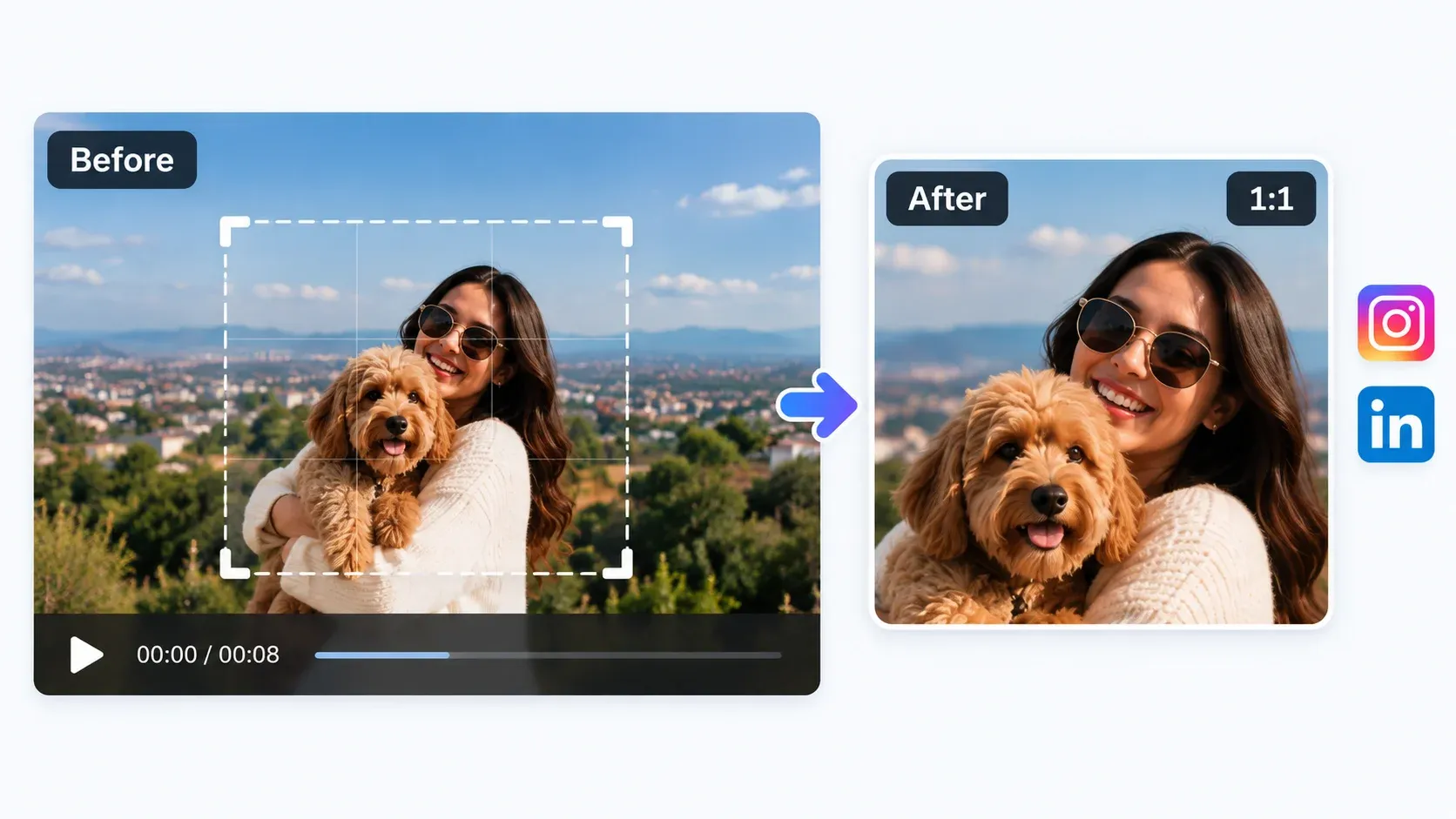
One click for 9:16 — the vertical ratio for TikTok, Reels, and Shorts; 1:1 for square posts on Instagram and LinkedIn; 16:9 for YouTube and desktop; or 4:3 for older footage. Choose the ratio that fits the platform you are posting to.
When no preset fits, drag a free selection over any part of the frame, or type exact pixel dimensions and use a preset ratio to guide your framing. Remove the edges you don't want and keep the part you do.
Upload MP4, MOV, AVI, MKV, WebM, and 30+ more formats — no conversion needed. Export your cropped video as a clean MP4 when you're done.
Your export comes out clean — no watermark, ready for clients, channels, or ads. And there is no sign-up gate: open the page, crop, download, done.
The video cropper processes files in the cloud, and result files are automatically deleted after processing, typically within 24 hours. Never used for AI training.
Crop videos for social media, remove unwanted edges, fix awkward framing, or focus on the subject. Adjust the frame in a few clicks and get a clean result that fits your use case.
Turn a landscape clip into a vertical 9:16 video for TikTok, Reels, or Shorts. Position the frame around the action, then export and post — no timeline editing needed.
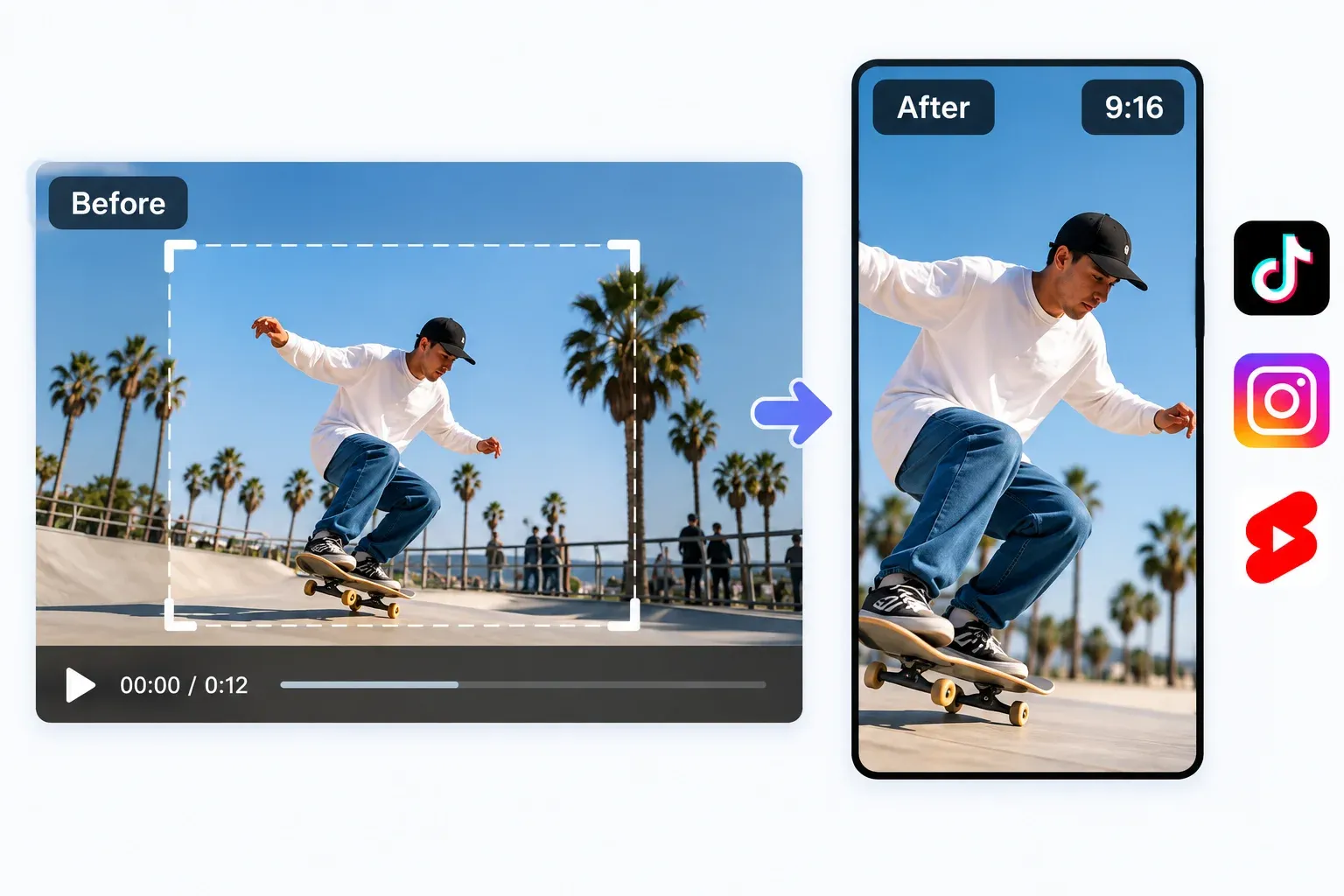
Crop landscape or vertical footage into a 1:1 square for Instagram and LinkedIn feeds. Keep the subject centered and remove the extra edges — same shot, new shape.
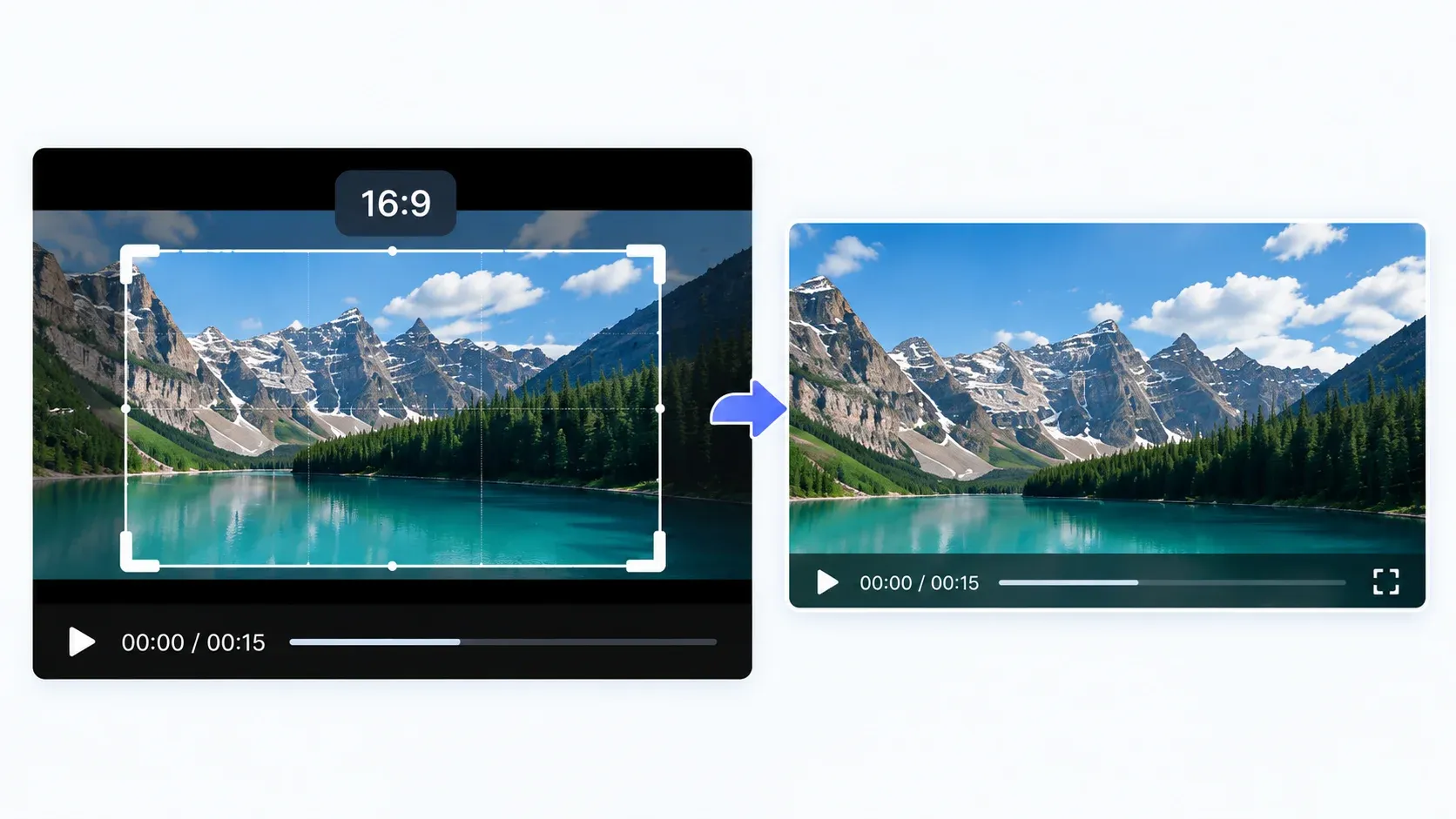
Black bars make useful footage look smaller on screen. Crop them away or let the video cropper reframe the shot to 16:9 for YouTube and desktop playback.
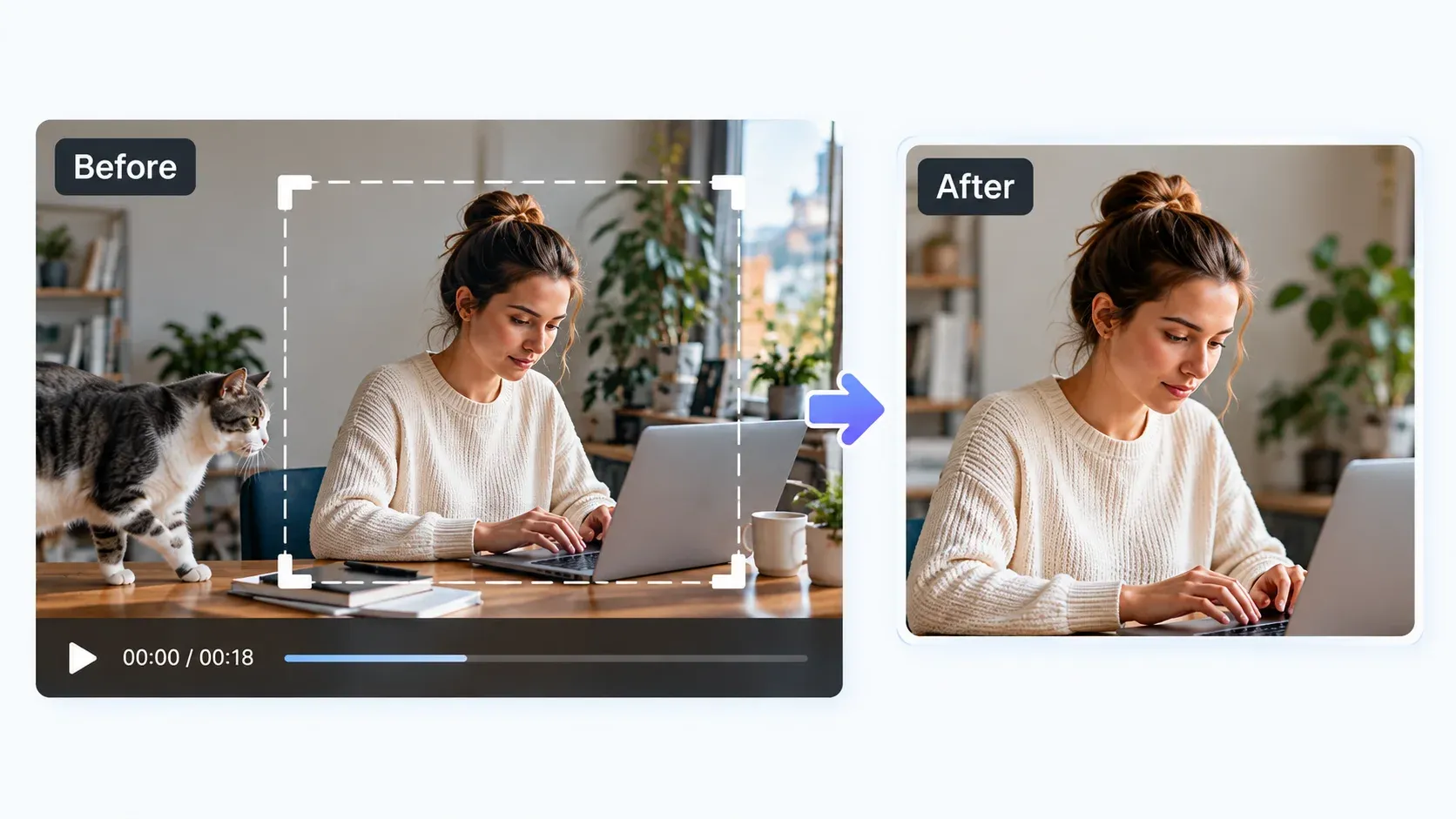
Crop out a cluttered desktop, an unwanted person at the edge, or other distracting areas. Drag the crop box freely in the video cropper, or enter exact dimensions for precise framing.

Maya
social media freelancer

Tom
YouTuber

Priya
video editor

Leo
marketer

Sam
trainer

Chen
e-commerce owner
Quick answers on ratios, formats, file limits, and how cropping differs from trimming.
Set the frame, keep what matters, and export without sacrificing quality. The video cropper is free — no sign-up, no watermark.