
Free Online MP4 to MP3 Converter
Extract audio with this free online MP4 to MP3 converter. Convert videos in batches, trim clips, and adjust volume. No installation or signup needed.
Extract audio with this free online MP4 to MP3 converter. Convert videos in batches, trim clips, and adjust volume. No installation or signup needed.
Use the MP4 to MP3 converter in three steps: select videos, adjust the audio settings if needed, then convert and download your MP3 files.
Click Select Videos or drag files into the upload area. Add one MP4 video or select several files for a batch. You can add more videos before converting.
Keep MP3 as the output format. Open the settings to trim a clip, change the volume, or add fades. Apply the same settings to all files when needed.
Click Convert. The tool uploads and processes your videos, then shows a download button for each completed file. Save the MP3 audio to your device.
Extract audio with a free MP4 to MP3 converter that works online. Choose your videos, convert them, and download the results without creating an account or installing a separate app.
Convert multiple videos at once with the MP4 to MP3 converter. Select MP3 for the whole batch and apply shared audio settings, while keeping the option to adjust individual files. Track each task and download completed results separately.
Keep a useful excerpt instead of the video's full audio. Set the start and end times, adjust volume from 0–300%, or enable fade-in, fade-out, and reverse audio before conversion.
Turn a rehearsal, performance, or practice recording into a standalone audio file. Use the MP4 to MP3 converter to keep the sound, trim the introduction if needed, and replay the recording without opening the video.
Extract Music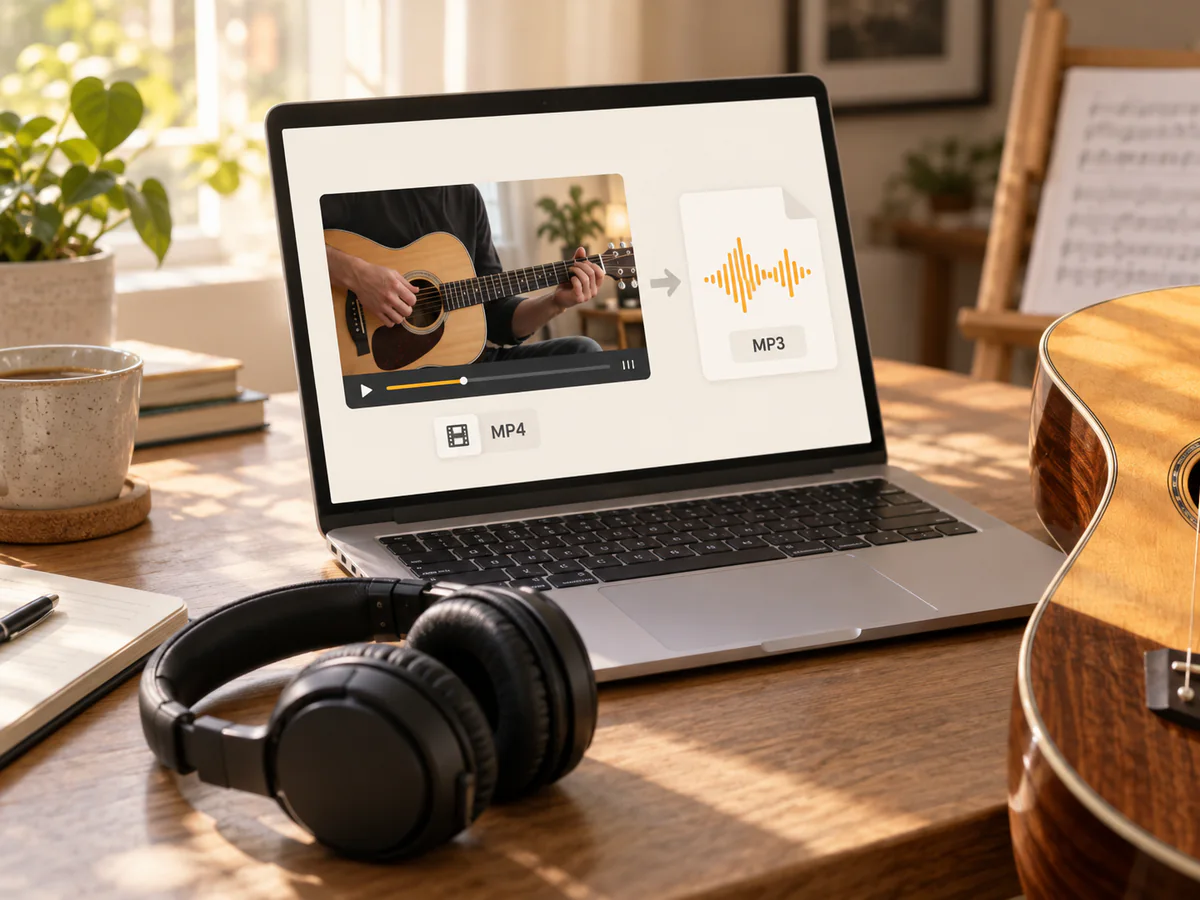
Make an audio version of a recorded conversation for listening on the go. This MP4 to MP3 converter can process several interviews in a batch, or keep a selected segment to review a speaker's answer without replaying the full video.
Convert Interview Audio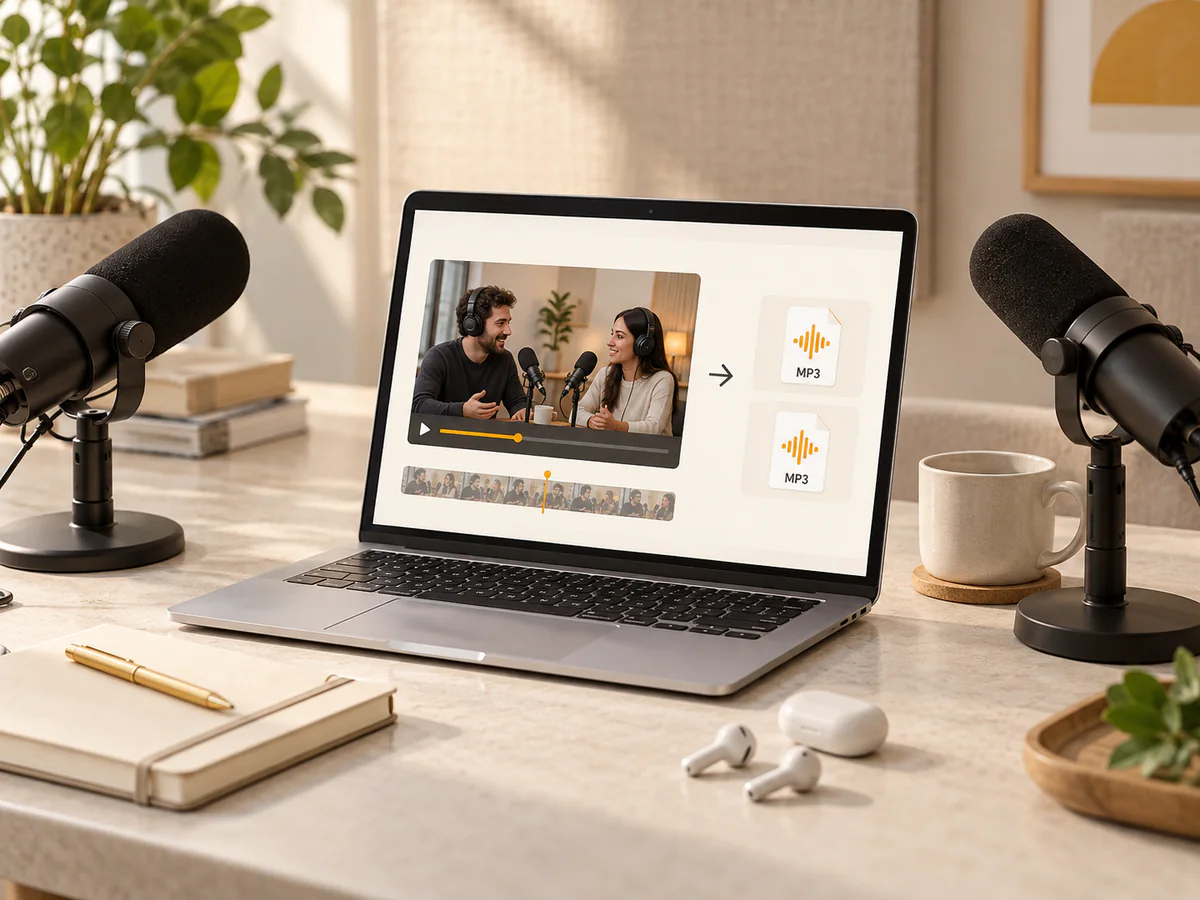
Save the spoken part of lessons for revision, language practice, or a commute. This online MP4 to MP3 converter lets you turn recorded lectures into audio and keep a focused section for repeated listening.
Save Lesson Audio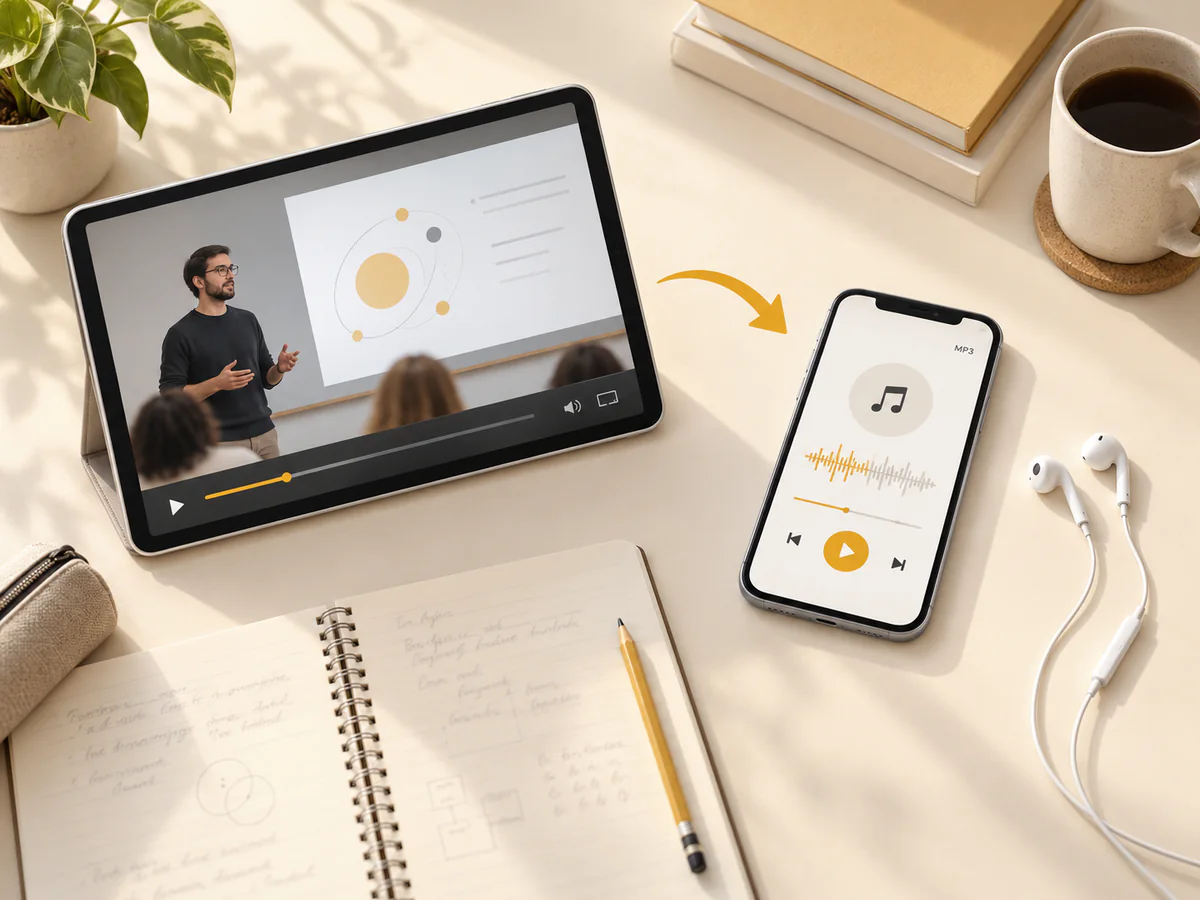
Separate narration, dialogue, or background sound from footage for your next project. Use a video to MP3 converter to create an audio file, then bring it into your editing app for further work.
Extract Audio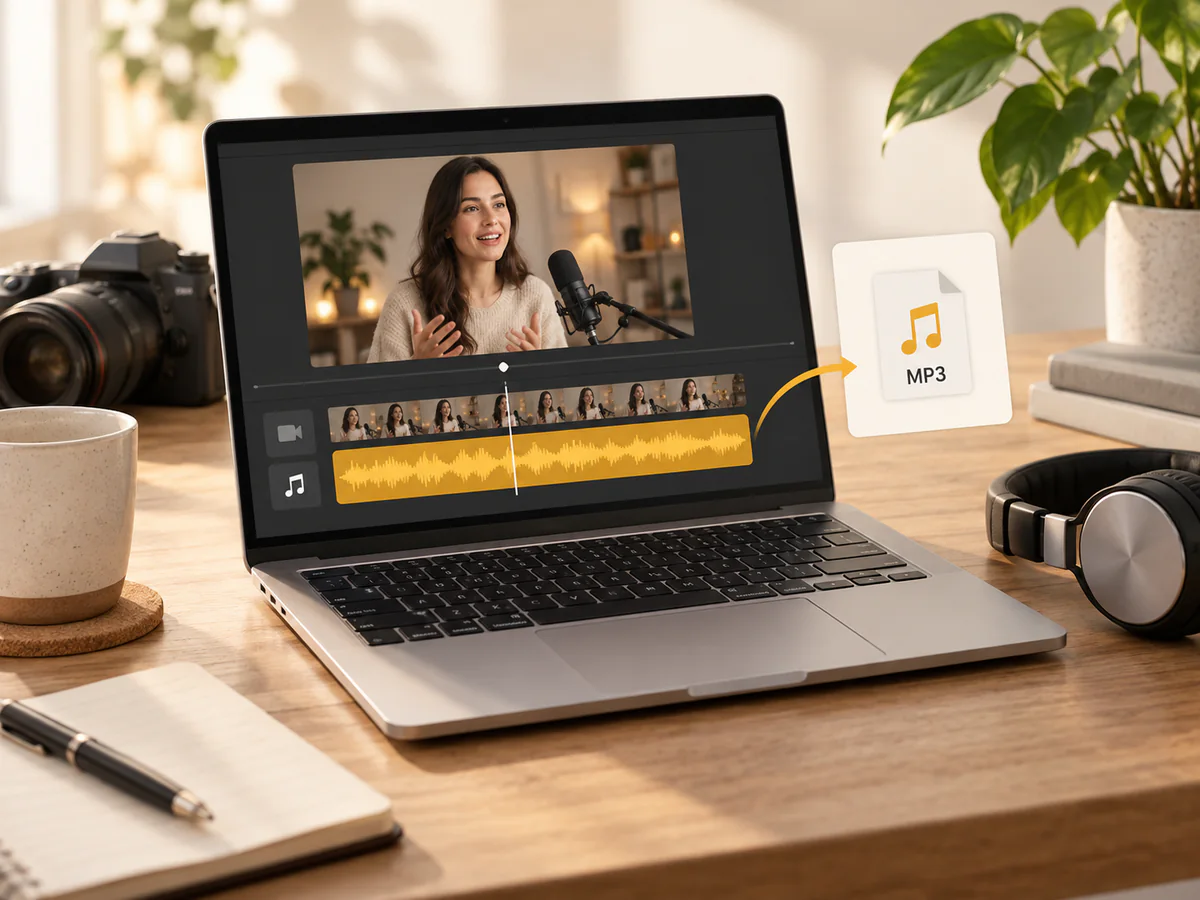
Audio for study, listening, and creative work—different ways to make more use of your video recordings.
Morgan Reed
Interview Editor
"I usually have several interview videos to work through. Adding them together and applying one set of settings makes the process much easier. This MP4 to MP3 converter fits neatly into my editing routine."
Tessa Brooks
University Student
"I only need the explanation from a long lecture, not the entire lecture video. Setting a start and end time gives me a focused audio clip to replay while I review my notes."
Aaron Silva
Music Teacher
"My students send practice videos, but sometimes I just want to listen to the performance. Converting the recordings to MP3 makes it easy to revisit the sound without watching the screen."
Priya Shah
Content Creator
"The volume and fade settings are useful when I pull audio from a clip. I can prepare the sound before downloading it, then take the MP3 into the app I use for editing."
Elena Cole
Language Tutor
"I use short video conversations for listening practice. The MP4 to MP3 converter lets me keep a specific exchange as audio, so I can replay the same passage during a lesson."
Nathan Park
Marketing Coordinator
"I needed the voice track from a group of recorded product demos. Selecting the files together and keeping MP3 as the output was straightforward. I could download each result as it finished."
Answers about supported files, batch conversion, audio settings, and what to expect from your MP3 output.