Free AI Clip Maker
Turn long videos into viral vertical clips — paste a YouTube link or upload a file, and AI finds the best moments for TikTok, Shorts, and Reels.
Turn long videos into viral vertical clips — paste a YouTube link or upload a file, and AI finds the best moments for TikTok, Shorts, and Reels.
Add your video
Paste a YouTube or video link — or drop an MP4, AVI, or MOV file (1–120 minutes).
Explore examples
Three steps in the AI clip maker: add a video, pick a mode, and download verticals that are ready to post.
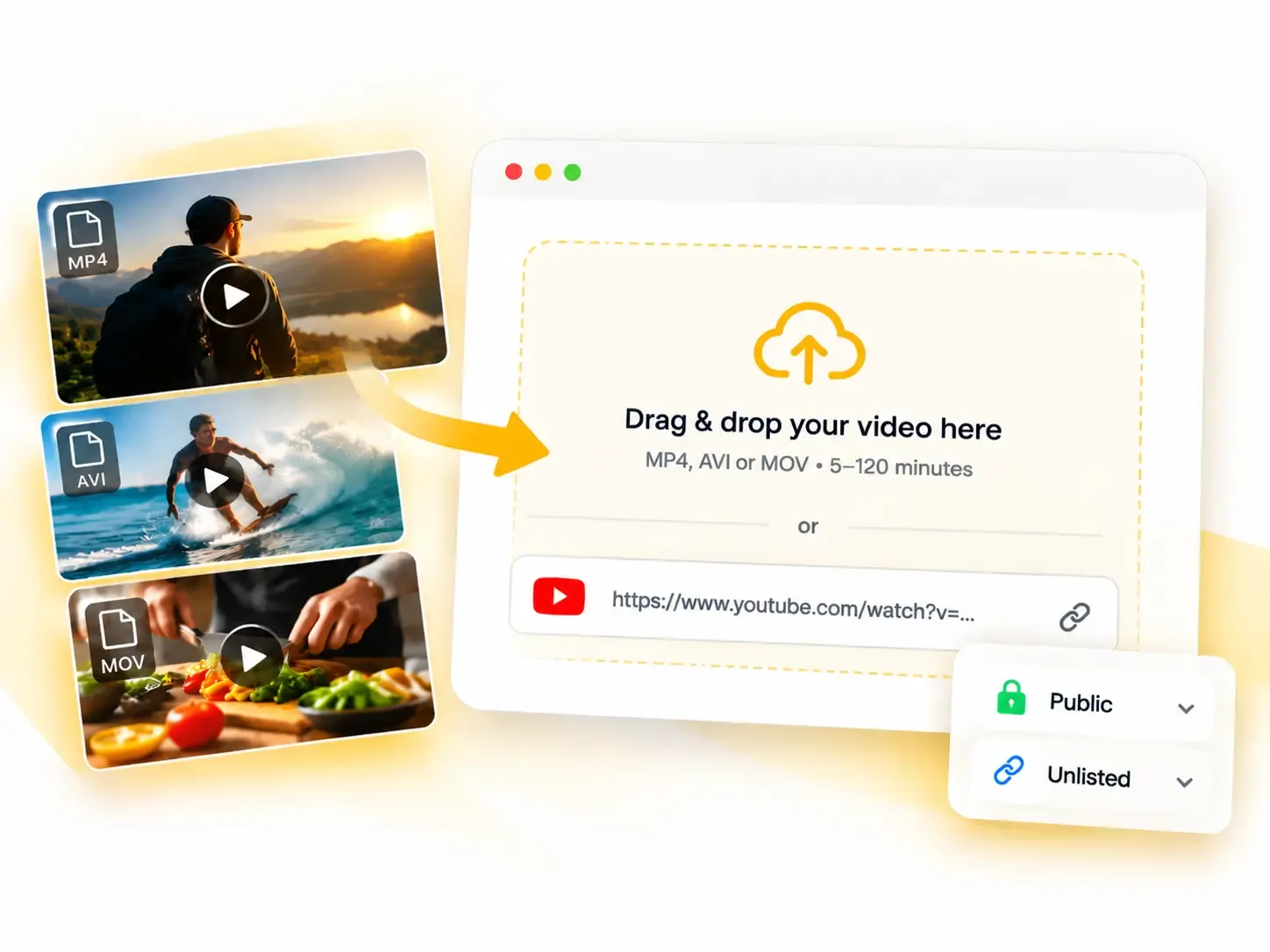
Upload an MP4, AVI, or MOV file between 1 and 120 minutes, or paste a supported YouTube link. Supported public and unlisted links can be used without downloading the source video first.
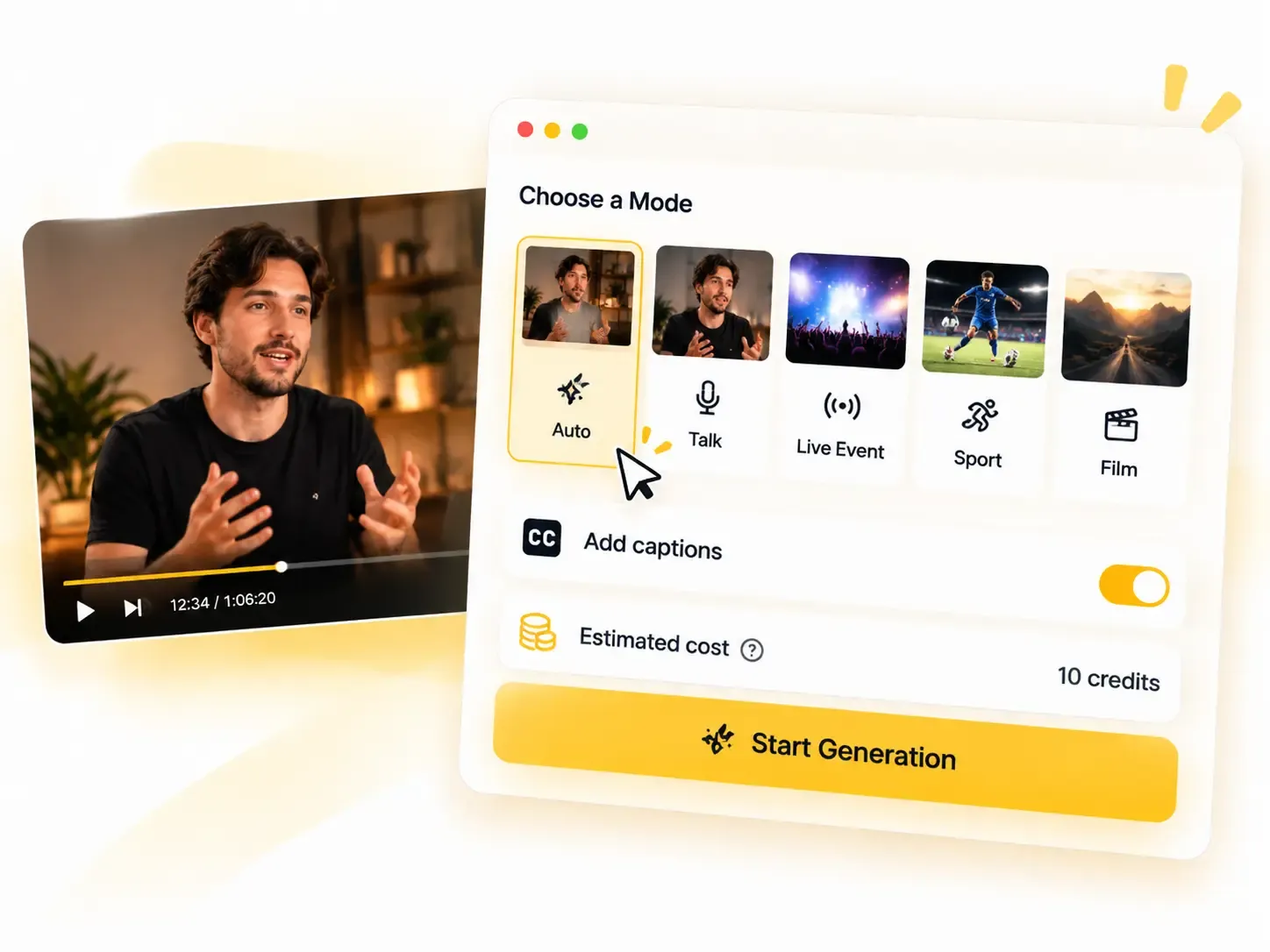
Select Auto, Talk, Live Event, Sport, or Film based on your footage. Enable captions if needed, review the credit cost, and start generation.
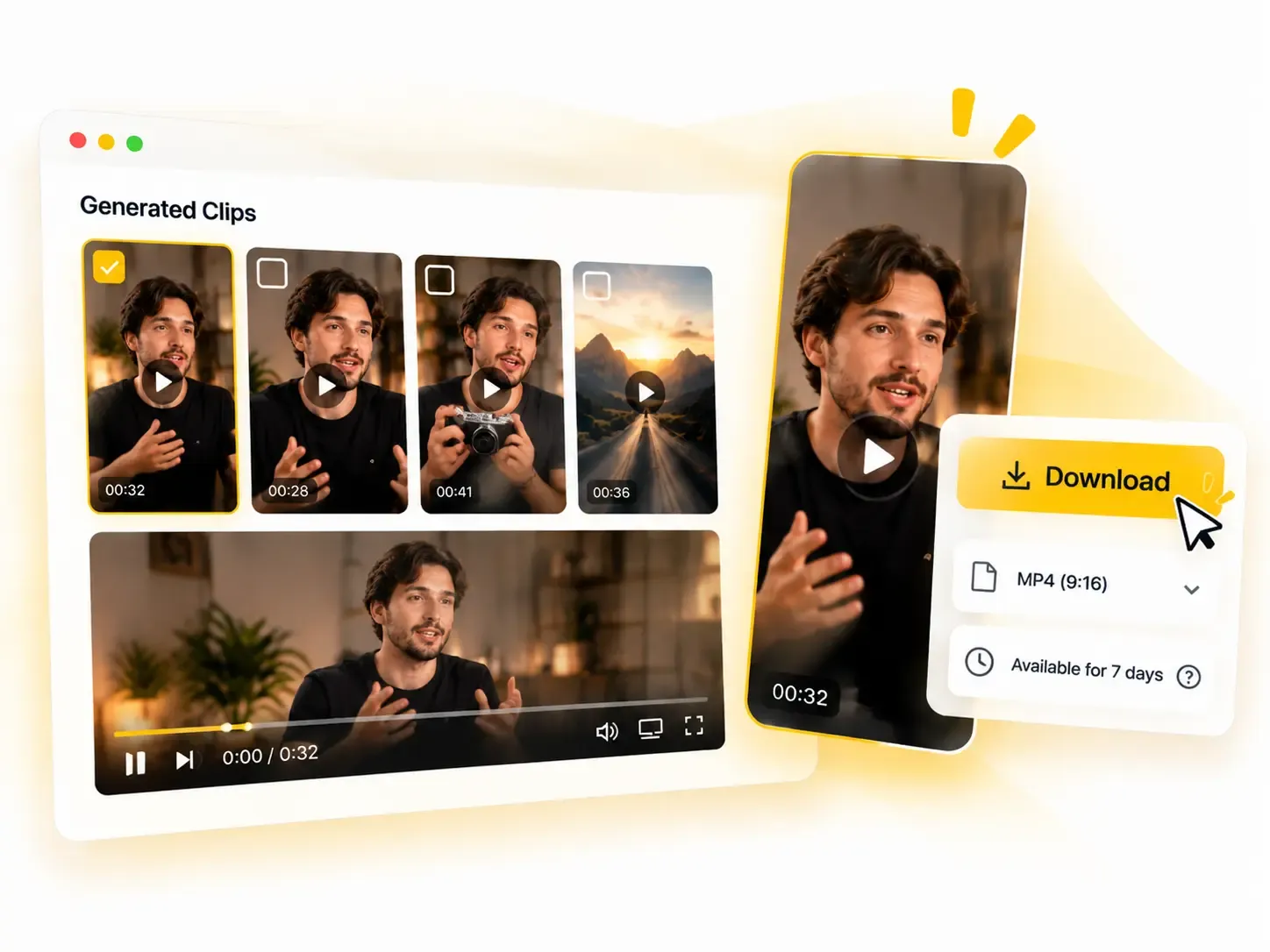
Preview the generated clips in your browser and download the ones you want to keep as 9:16 MP4 files. Results remain available for 7 days, so download anything you want to save longer.
Built around how long videos actually get watched — five modes, honest pricing, and verticals that fit every feed.
Skip the two hours of scrubbing. The AI clip maker scans the whole video, surfaces the moments worth watching, and you approve the keepers. Five modes — Auto, Talk, Live Event, Sport, Film — let it read your footage the right way. Other AI clipping tools run one model on everything and miss the play.
No downloads, no screen recordings. Drop a public or unlisted YouTube link straight into the youtube clip maker — or any HTTPS video URL — and the tool pulls the source itself. It is the shortest path from "that stream had one great moment" to a vertical clip you can post — the AI clip maker does the rest.
An AI-written title on every clip, captions one toggle away — on for reach on muted feeds, off for clean footage. The AI clipping tool handles the framing too, so faces stay centered in the vertical crop instead of drifting out of frame. Nothing to fix, nothing to add — the clip goes from download to feed as-is.
Every clip exports as a 9:16 vertical MP4 — the format TikTok, YouTube Shorts, and Instagram Reels reward most. No manual reframing, no export settings to fight with. The AI clip maker hands you files that drop straight into the post composer.
One credit per minute of source video, rounded up to the next minute, and the total is on screen before anything runs. If a task fails, the credits come back automatically and in full. No bundles, no hidden fees — the AI clip maker shows its math every single time.
Every account gets 30 free credits a month — half an hour of source video at one credit per minute — enough to run a full podcast episode through the AI clip maker and see what the clips do for your channel. Need more minutes than that? Paid plans start at $9 a month, and every job still shows its exact cost up front.
If it is worth watching, it is worth clipping. Four places where one long video pays for itself in reach.
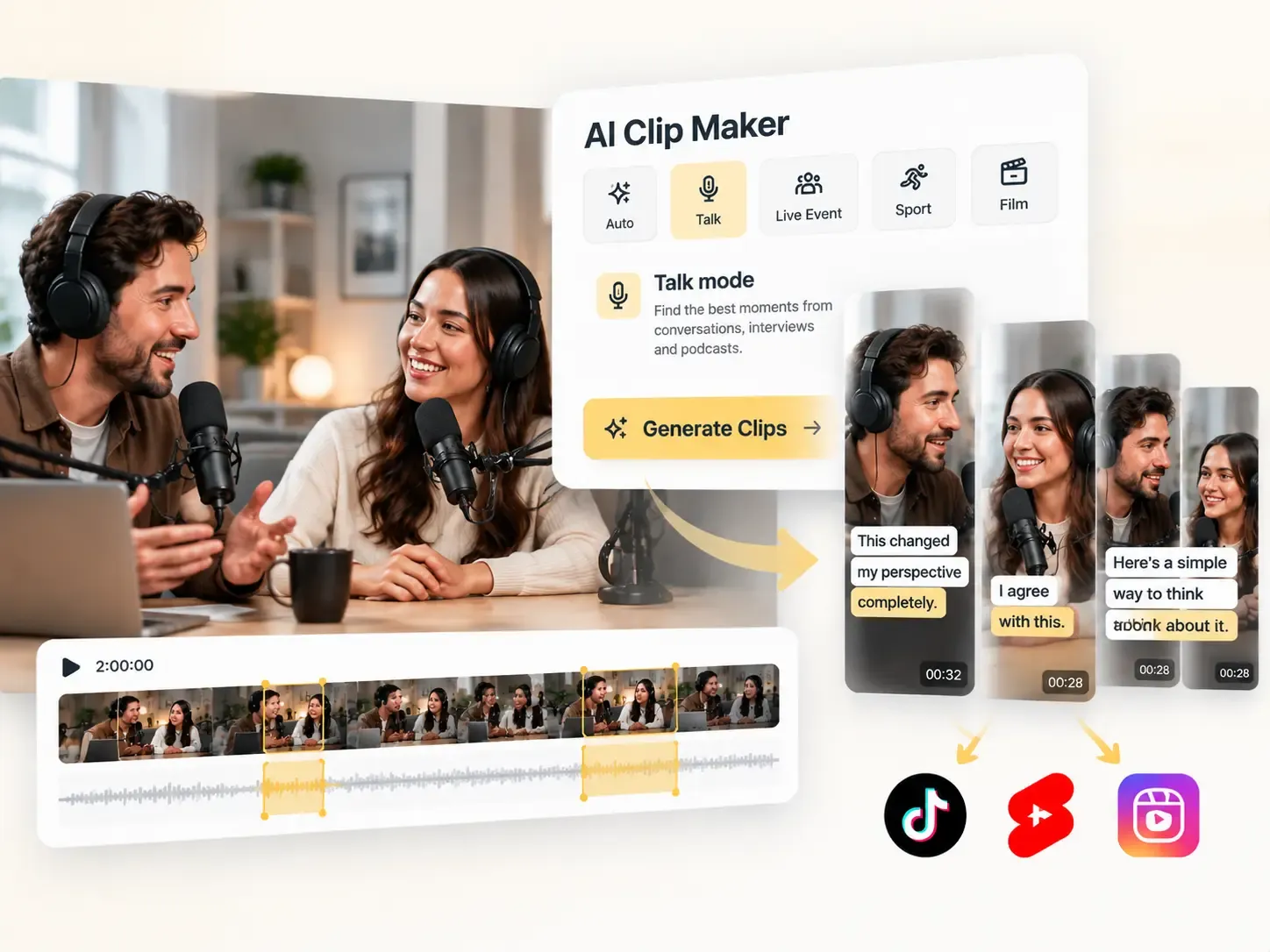
One two-hour episode is a week of shorts. Run it through Talk mode, let the AI clip generator pull the sharpest exchanges, and post one vertical a day while the AI clip maker keeps the full episode untouched — the shorts go out, the long version stays whole.
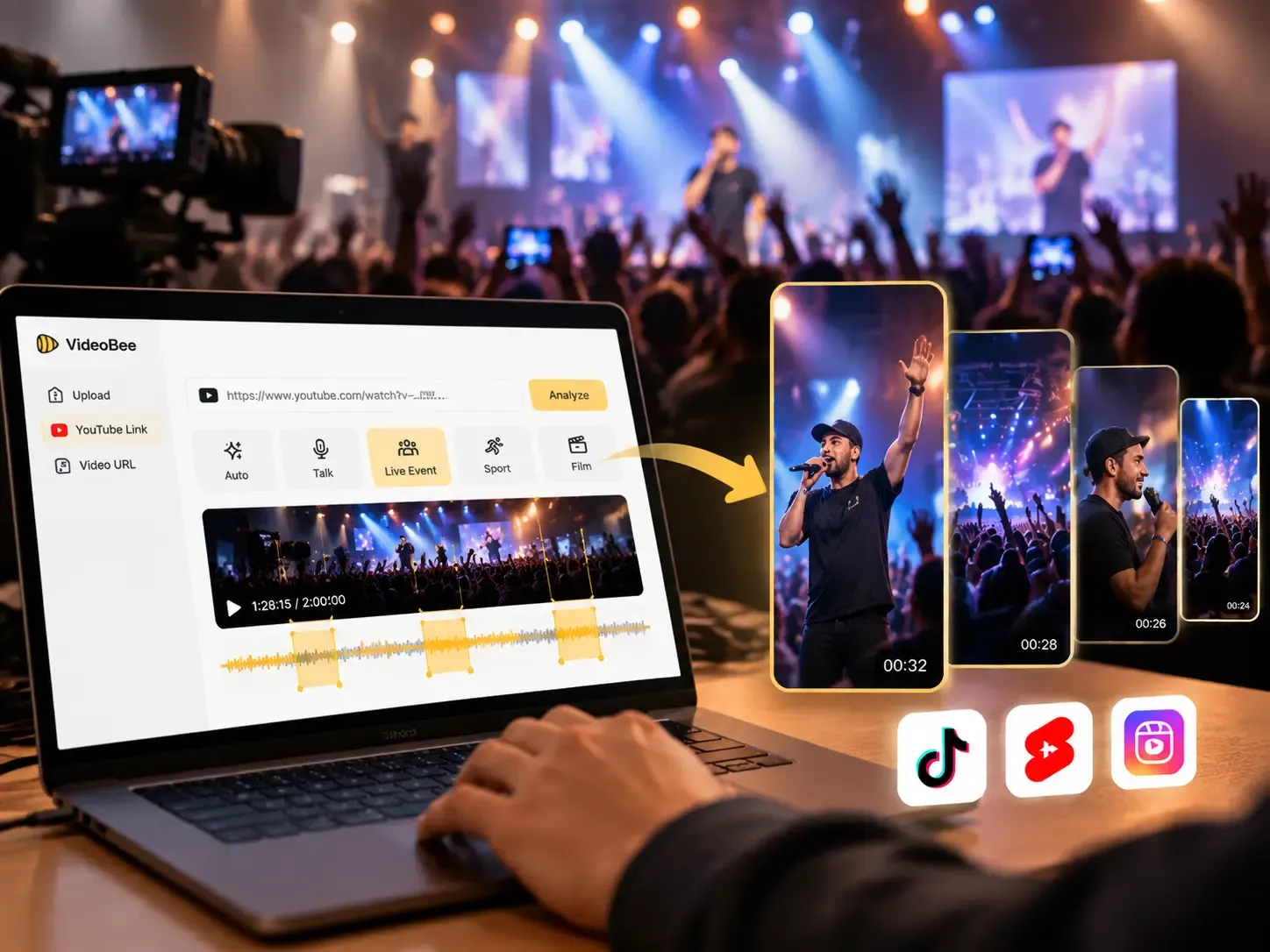
The moment everyone clips is the moment everyone missed. Paste the VOD link into the AI clip maker, choose Live Event, and turn the highlight reel around while the chat is still talking about it.
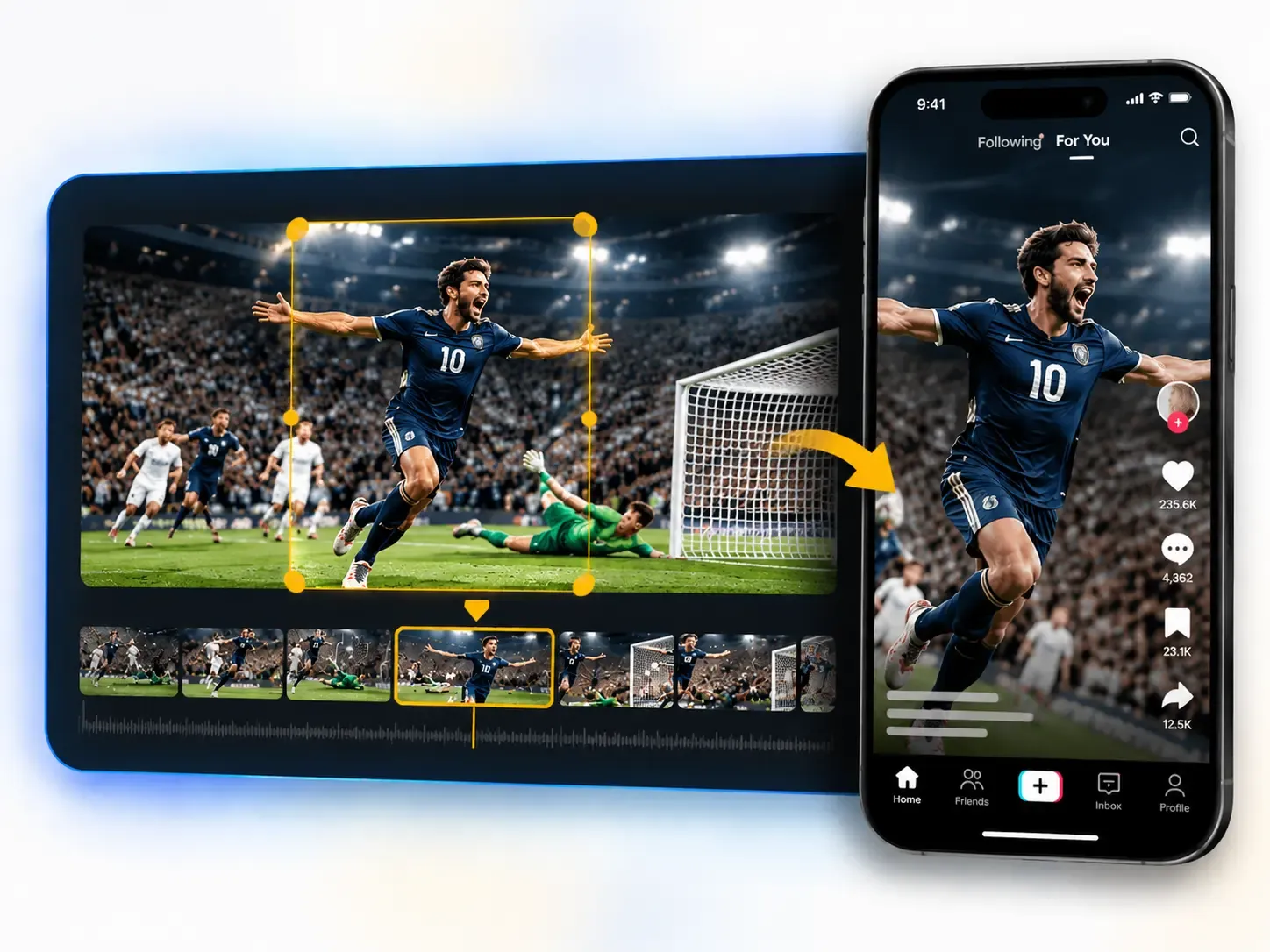
Goals, comebacks, buzzer-beaters. Sport mode is built for fast action, so the auto clipper cuts on the play — not two seconds after it. One game, one link, and the AI clip maker hands you the moments worth rewatching.
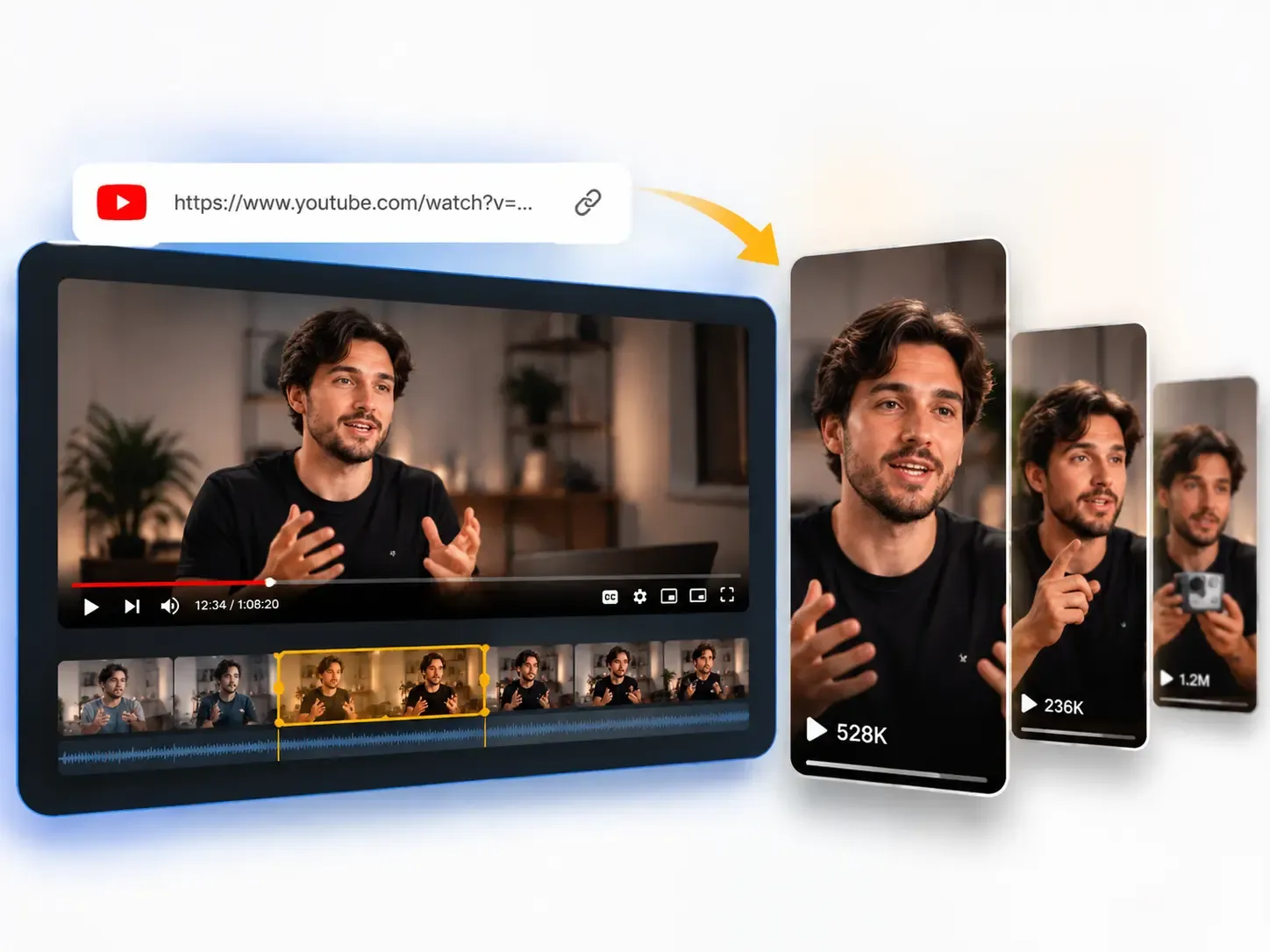
You already made the long version. Point this youtube clip maker at your own uploads — public or unlisted — and let AI turn them into Shorts that route new viewers back to the full video.

Maya
podcast producer

Tom
social media manager

Priya
content lead

Leo
YouTuber

Sam
marketing lead

Chen
content creator
Credits, modes, links, and what the AI actually does — the quick answers.
Paste a link, pick a mode, and let the AI clip maker find the moments your audience will actually share — 30 free credits every month, and the cost is always shown up front.